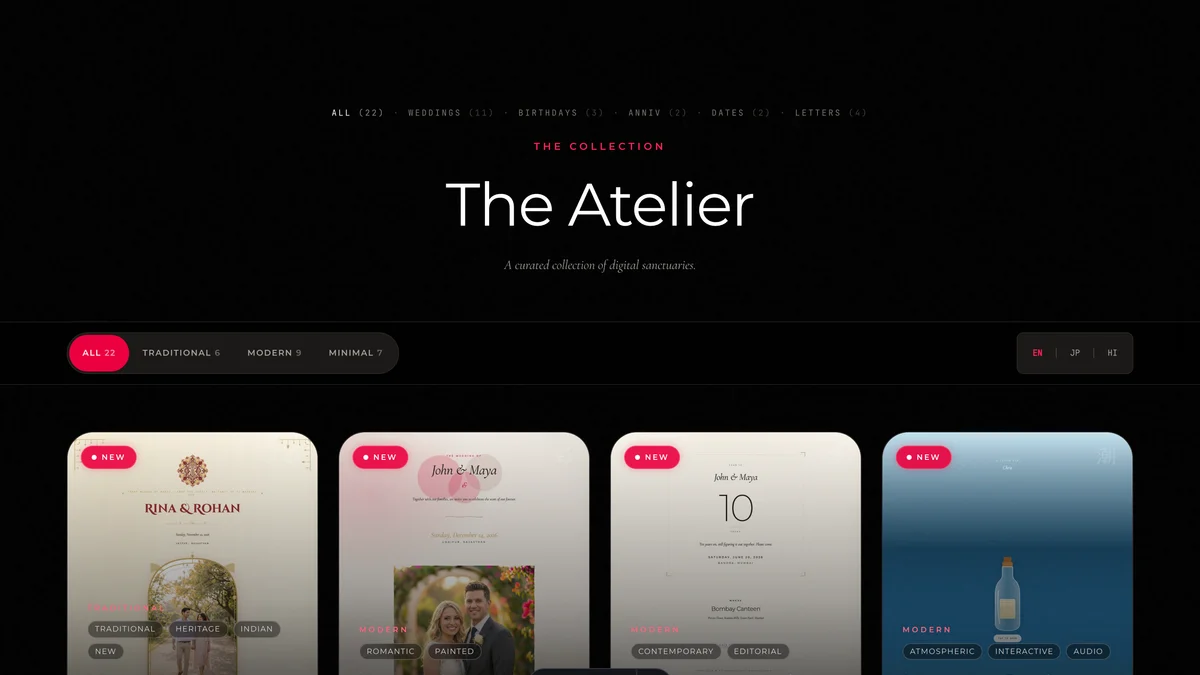
Every occasion
28 templates, 6 kinds of moment
Weddings, birthdays, anniversaries, dates, letters, gatherings. Pick one, then recolour and restyle it until it feels like yours — every palette is checked for readability automatically.
What it does
Everything that happens after you hit send — RSVPs, guest lists, updates, capacity, tickets, the door — lives behind the same link your guests already opened.
Build it
Guests open a living page that moves, plays, and replies — not a JPEG lost in a group chat.
Every occasion
Weddings, birthdays, anniversaries, dates, letters, gatherings. Pick one, then recolour and restyle it until it feels like yours — every palette is checked for readability automatically.
The editor
Type a name, tap a palette, switch a template — the page morphs in front of you. AI drafts the wording if you want a head start; Whispers suggest a better phrase field by field.
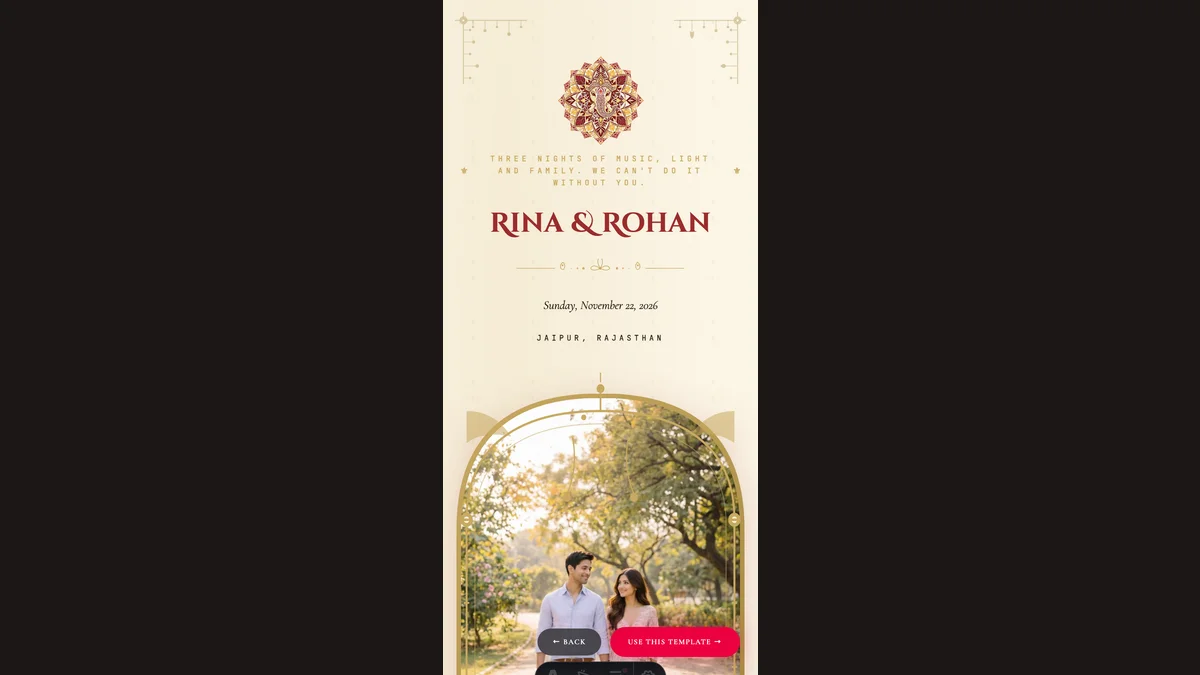
One link
Share a single link that opens instantly on any phone, no app, no account. Guests can even add it to their home screen like an app — it keeps working on weak connections.
Fill the room
Everything between "link sent" and "headcount final" happens in one dashboard.
Guest list
Import from your phone contacts, paste a CSV, or reuse a previous event. Every guest gets a personal invite link, so you can see exactly who opened and who went quiet.
The funnel
Invited, opened, replied — you see the funnel at a glance. WhatsApp nudges to silent guests are free and pre-written; you just hit send.
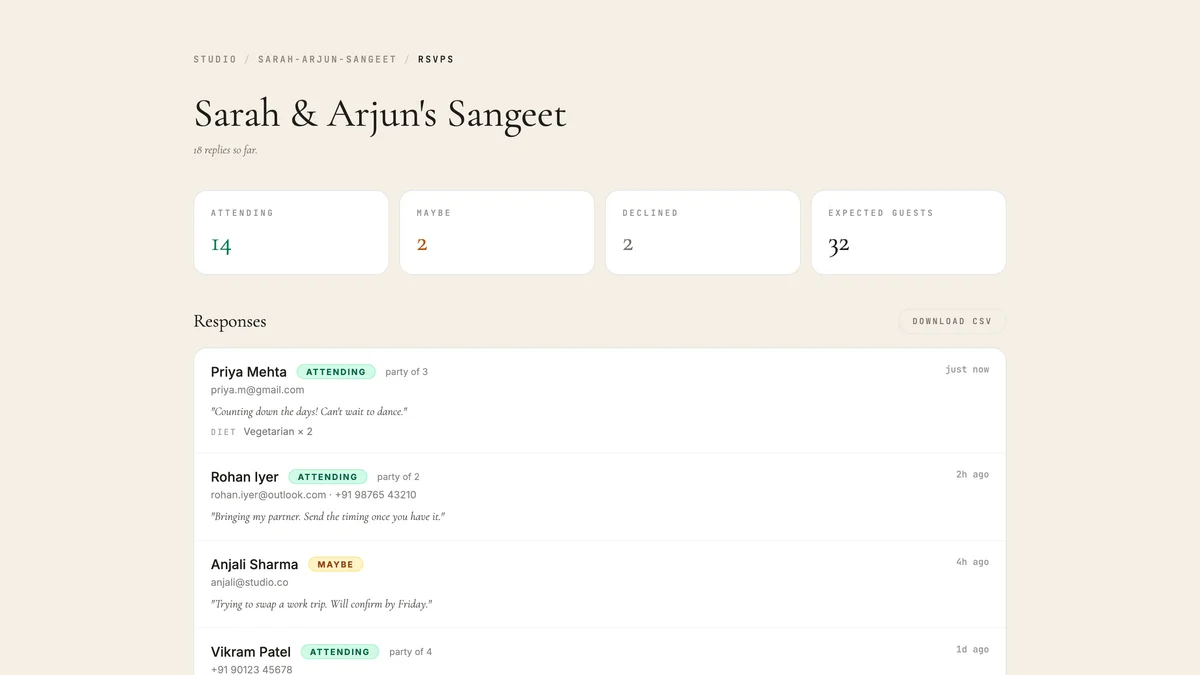
Replies
Meal choices, dietary notes, party sizes, per-ceremony answers for multi-function events. Filter, search, and export a CSV or a plain-text sheet your caterer can read.
Updates
Post an update and it appears on the invitation itself. Optionally email it to everyone, only confirmed guests, or only the ones who have not replied.
Run the day
Capacity, tickets, and the door — the parts other invitation tools leave to spreadsheets.
Capacity
Set how many fit and the invite shows spots left. Late replies join a waitlist; when a seat frees up, the next guest is confirmed automatically.
Tickets
Set a price and your UPI ID. Guests get a pay button that opens their UPI app with the amount filled in. The money lands in your account — 0% platform fee.
The door
A big tappable roster with an arrived counter and paid-at-a-glance chips. Taps queue offline and sync when the signal returns; walk-ins get added on the spot.
The fair question
You can, and it might look lovely. Design it wherever you like. The question is what happens after you send it.
Replies arrive as messages in four different chats, on three different days, and somebody has to read all of them and keep the list.
The time moves by an hour. Now there are two images going around and no way to know which one a guest is looking at. A link updates once, for everyone.
Your caterer wants a number, and so does the venue. Split by function, with meal choices, a week before anyone can tell you in person.
So you cannot tell the quiet ones from the ones who never received it, and you end up chasing everybody.
The same goes for asking an assistant to write it. It can give you the words, and they may be better than ours. It cannot host the page, take the reply, or count the meals.
The first three invitations are free, with every feature above included.