© 2026 KokoroLinks · A Jinova Systems product · Operated by GoShizen Enterprises

📖 5-minute walkthrough

How it works

From "I want an invitation" to "guests are RSVPing" in five steps.

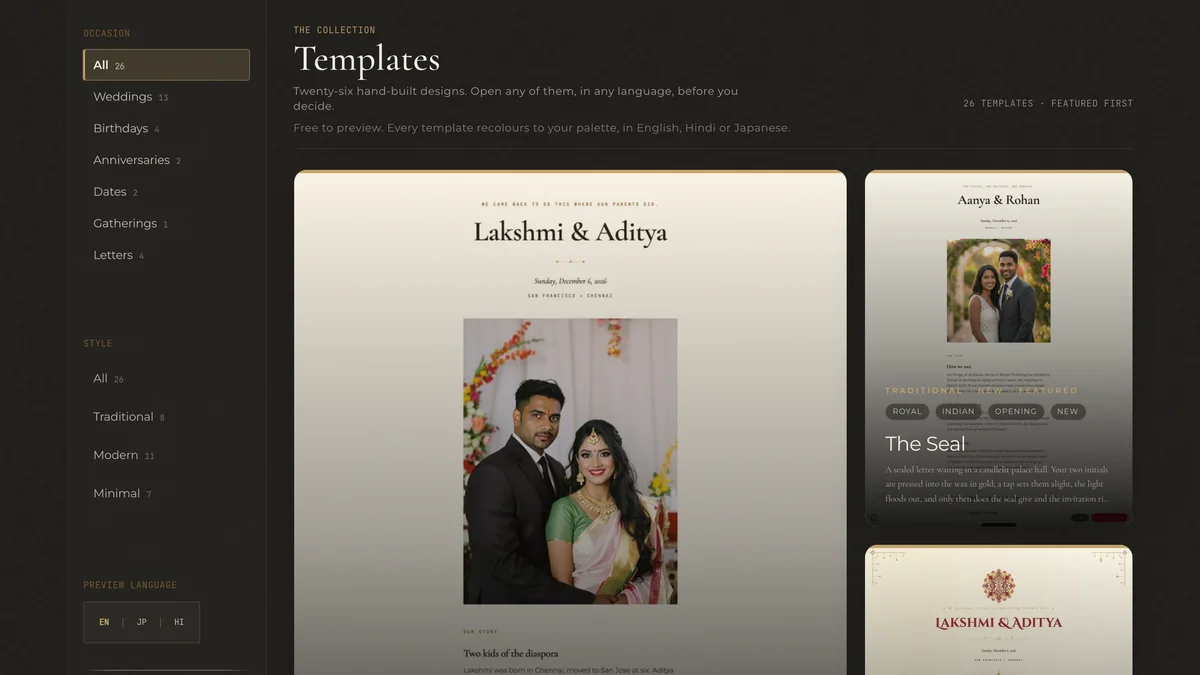
The /collections gallery showing template thumbnails with event-type filters at the top.
Step 01

Pick your event

Browse 22 ready-made templates. Filter by event type — weddings, birthdays, anniversaries, dates, letters.

Browse the gallery →
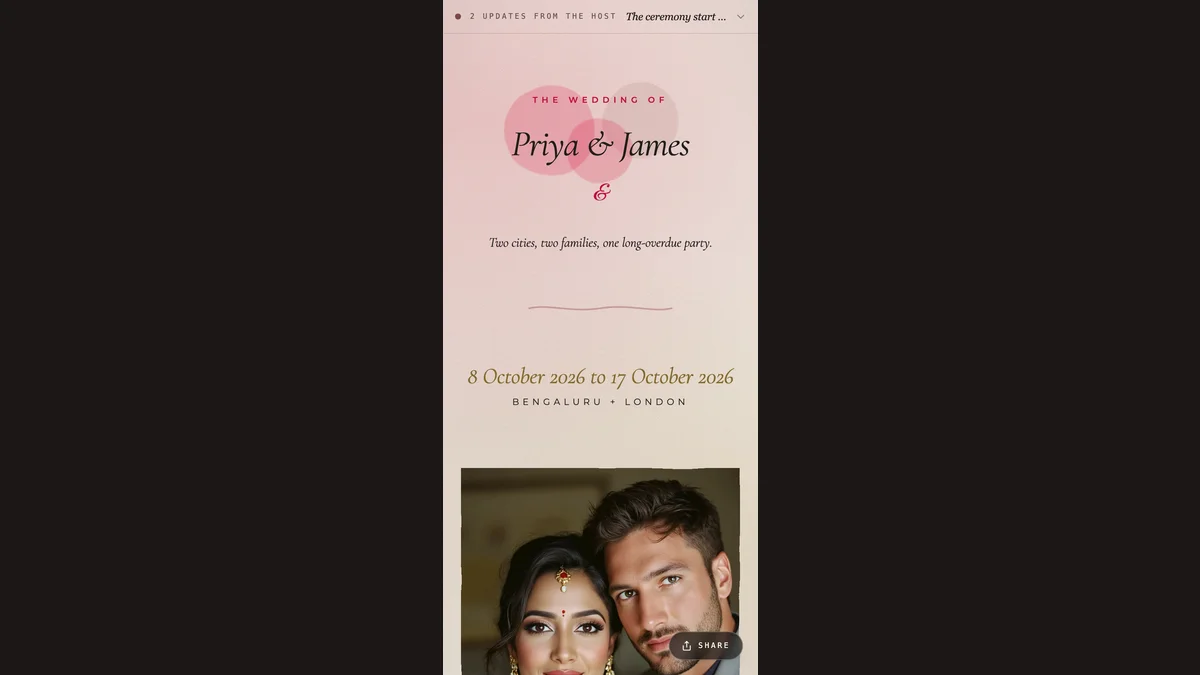
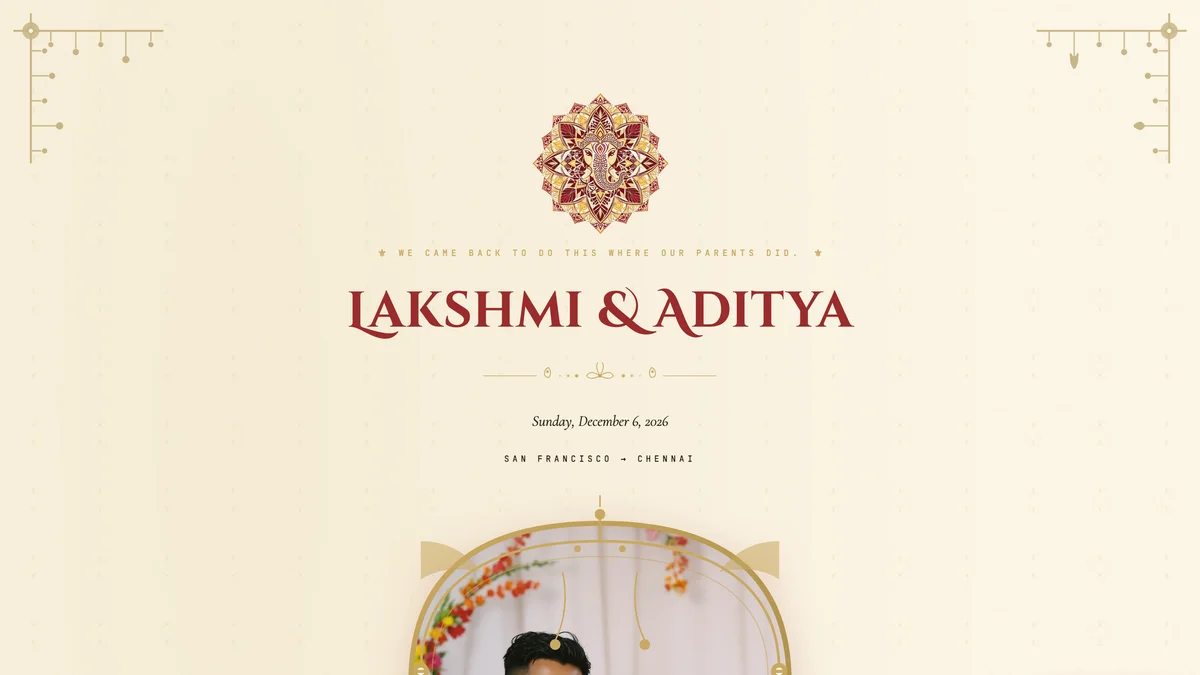
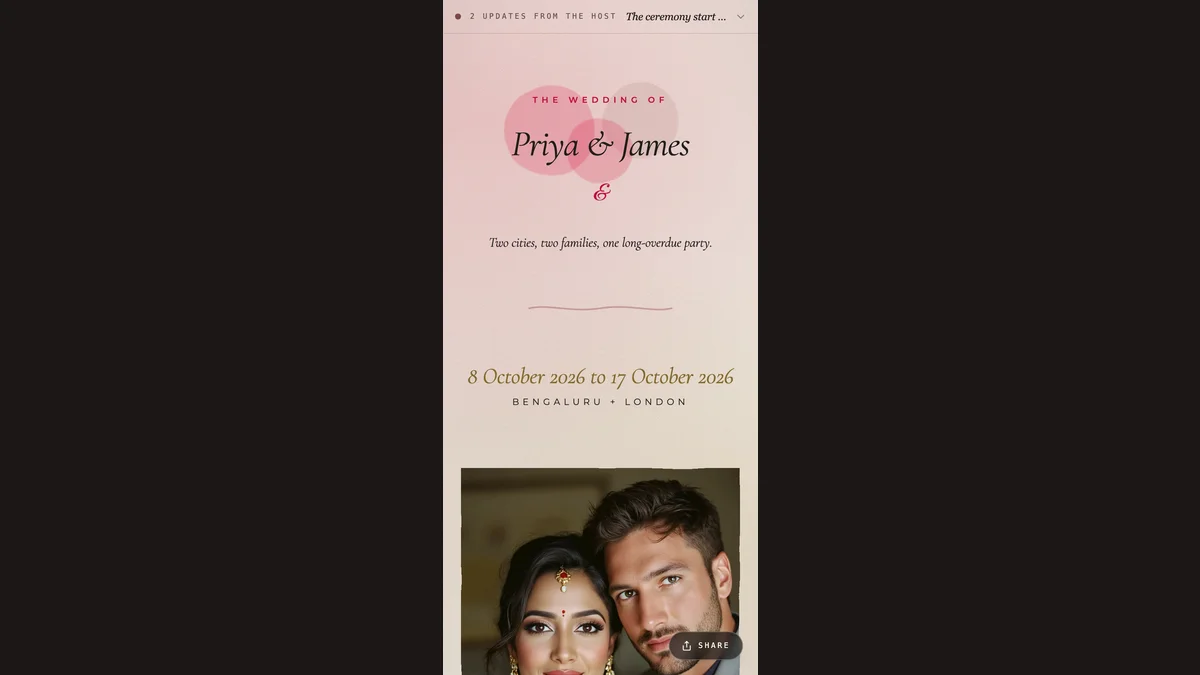
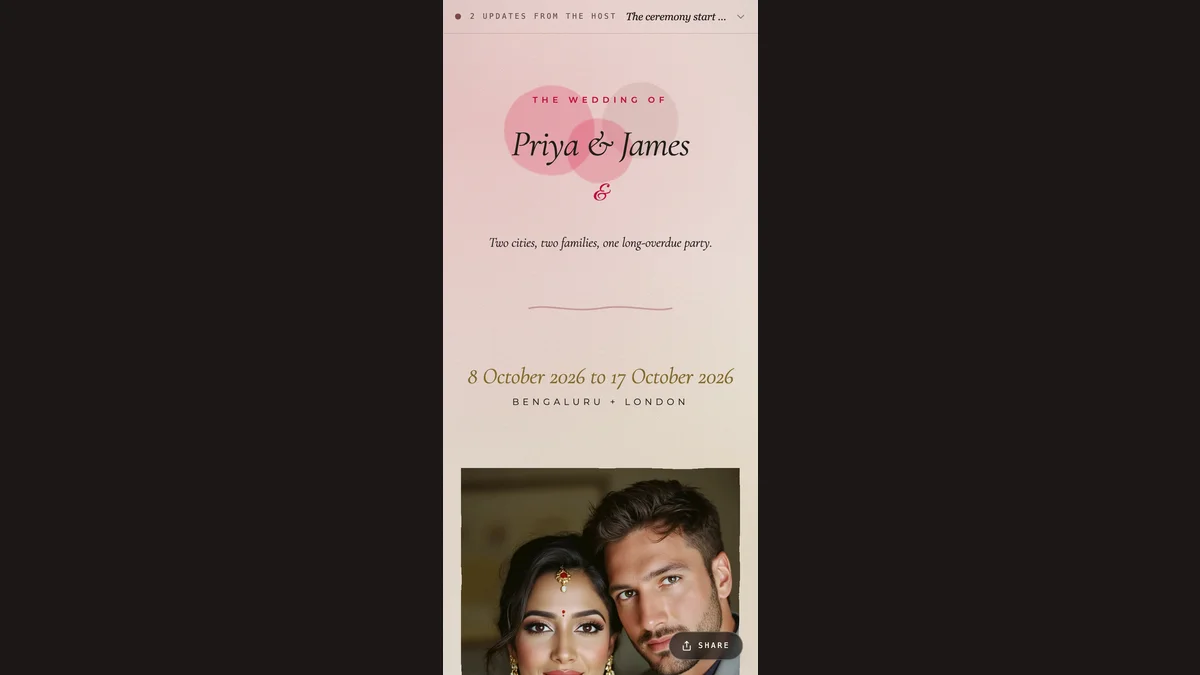
A rendered Heritage wedding template showing the couple names and curated ornaments.
Step 02

Customise

Type your details. Whispers offer one-tap suggestions; AI drafts a first pass; live preview updates as you save.

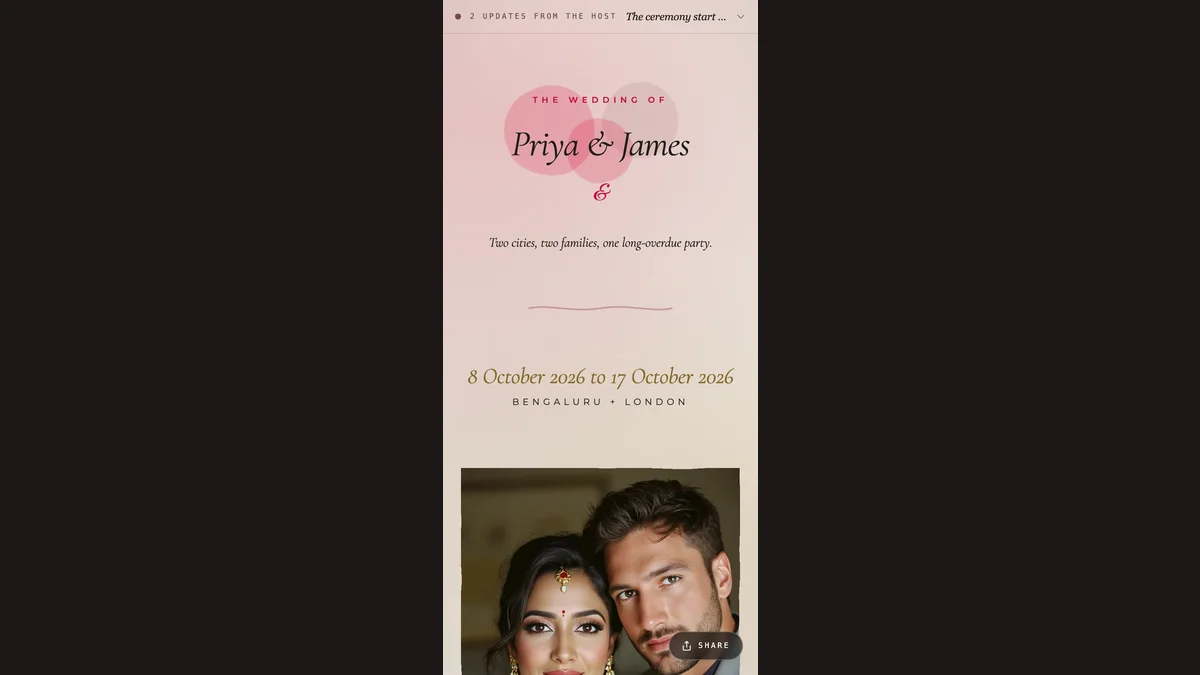
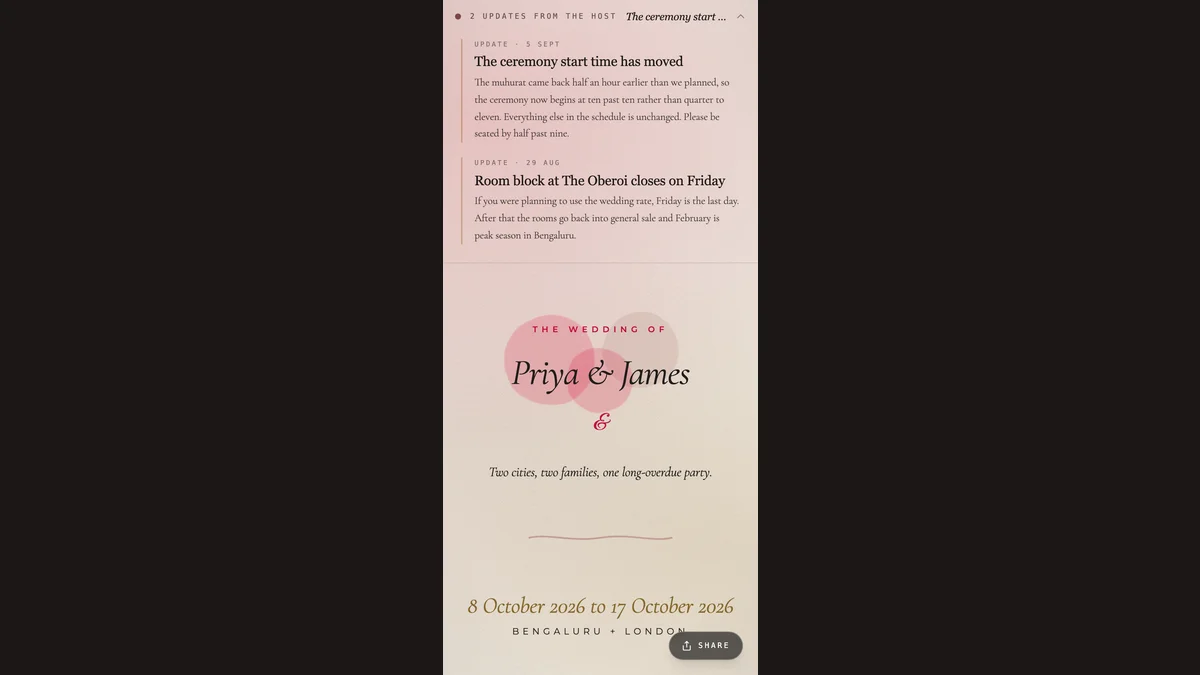
The same template at mobile width, framed as a share preview.
Step 03

Invite guests

Share one link via WhatsApp, iMessage, or email. Opens instantly, looks identical on every phone.

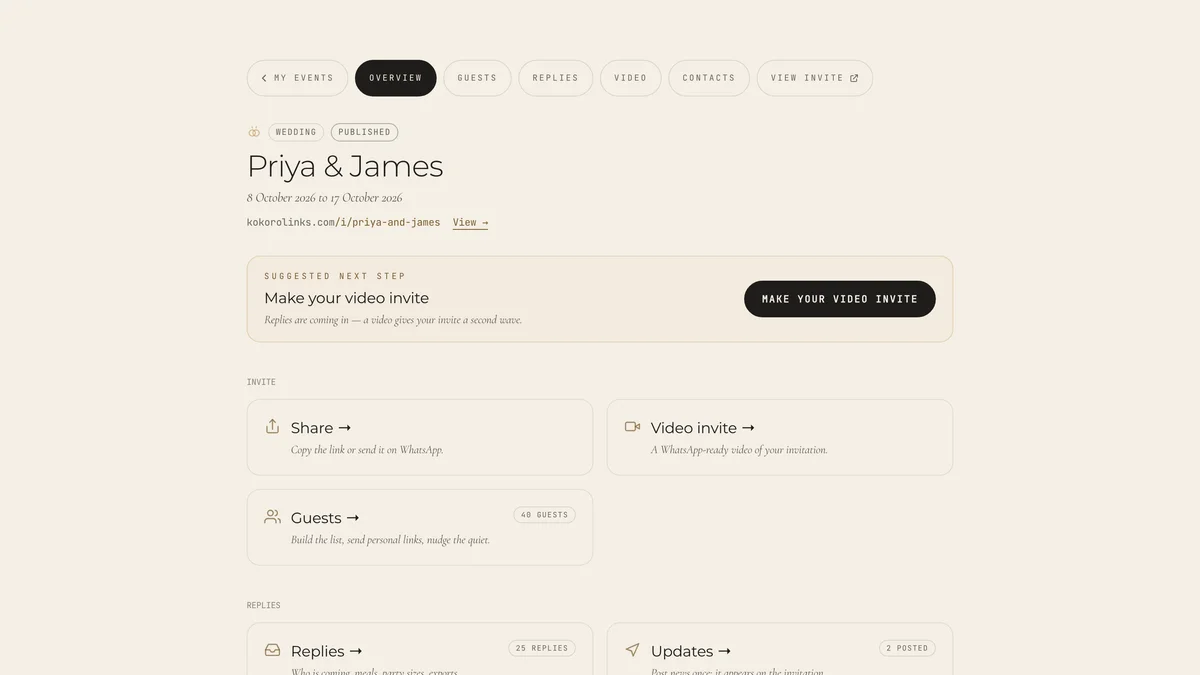
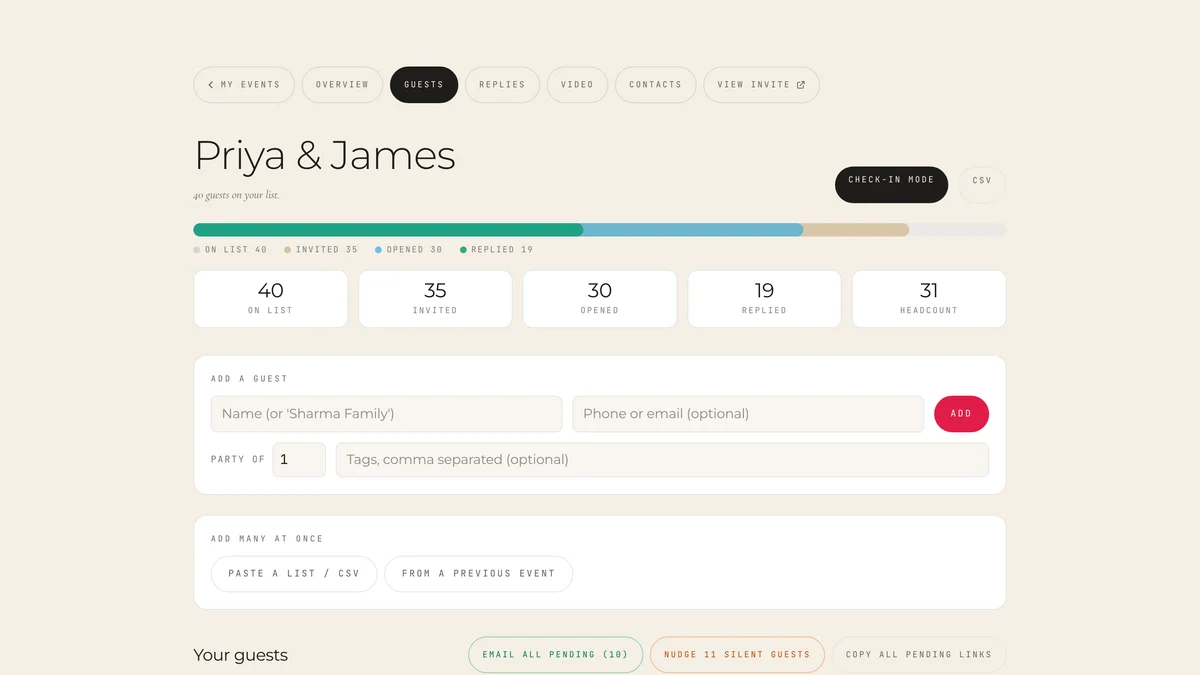
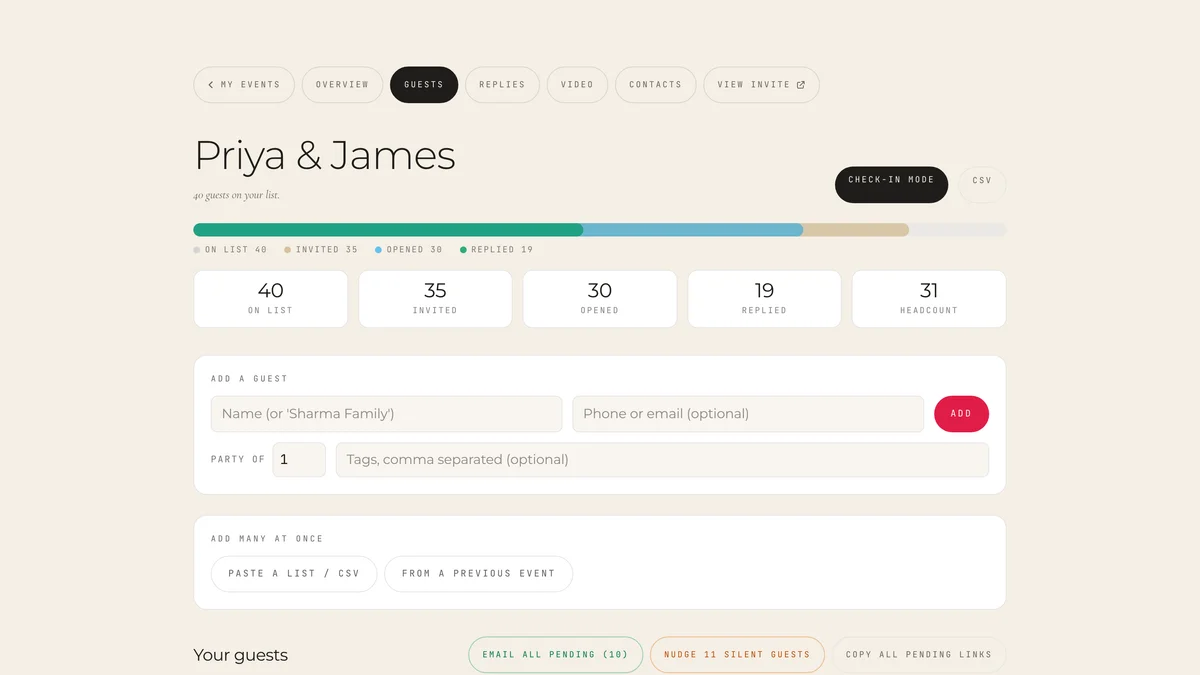
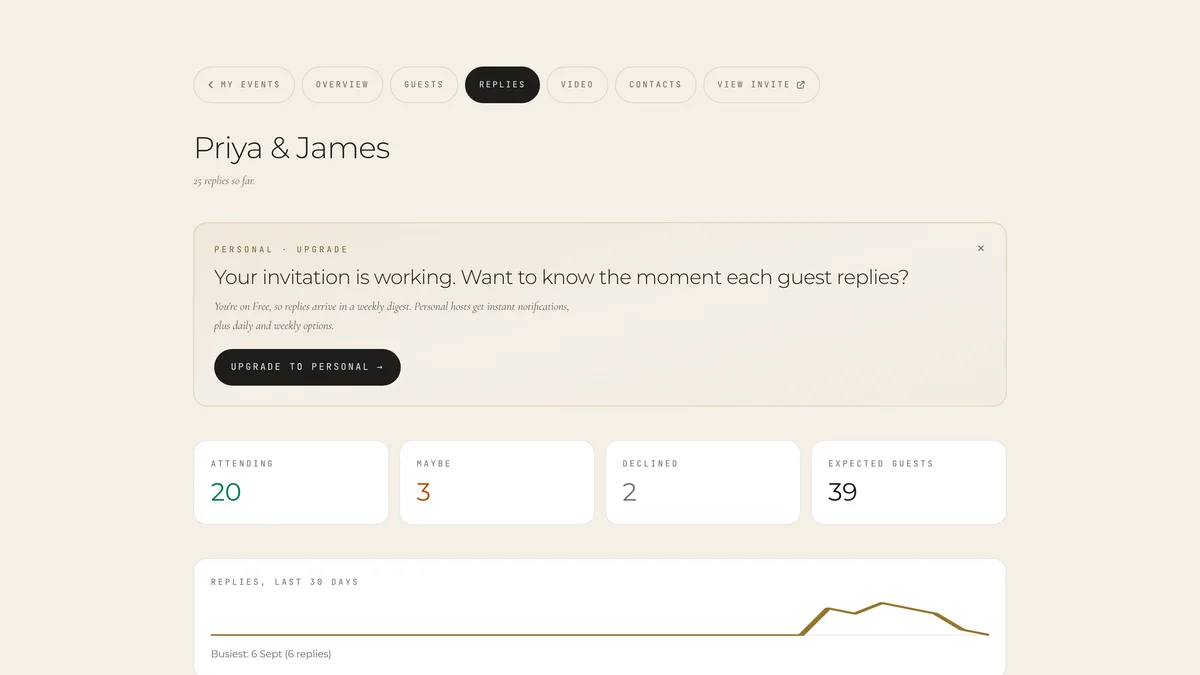
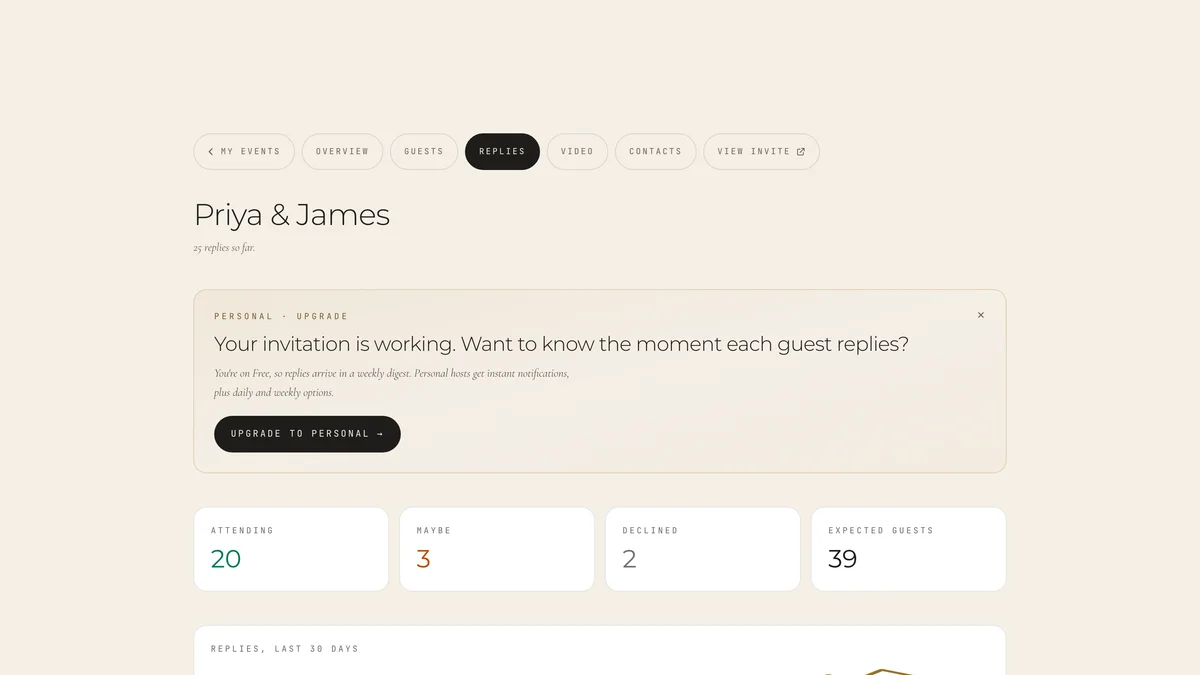
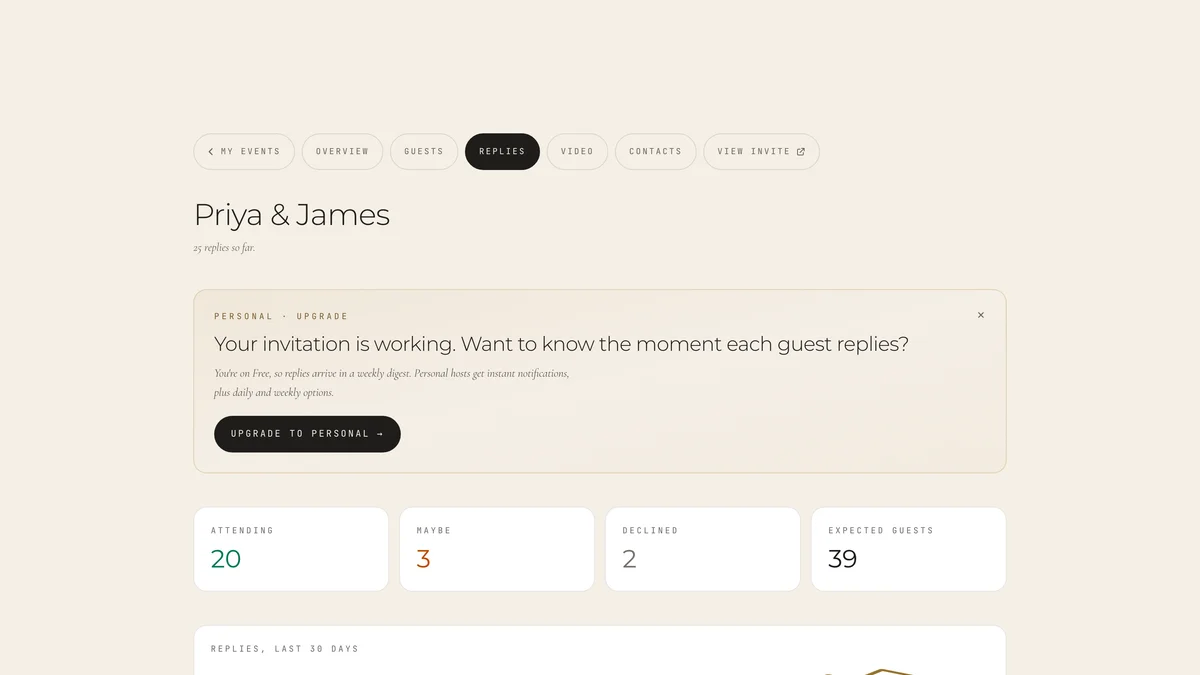
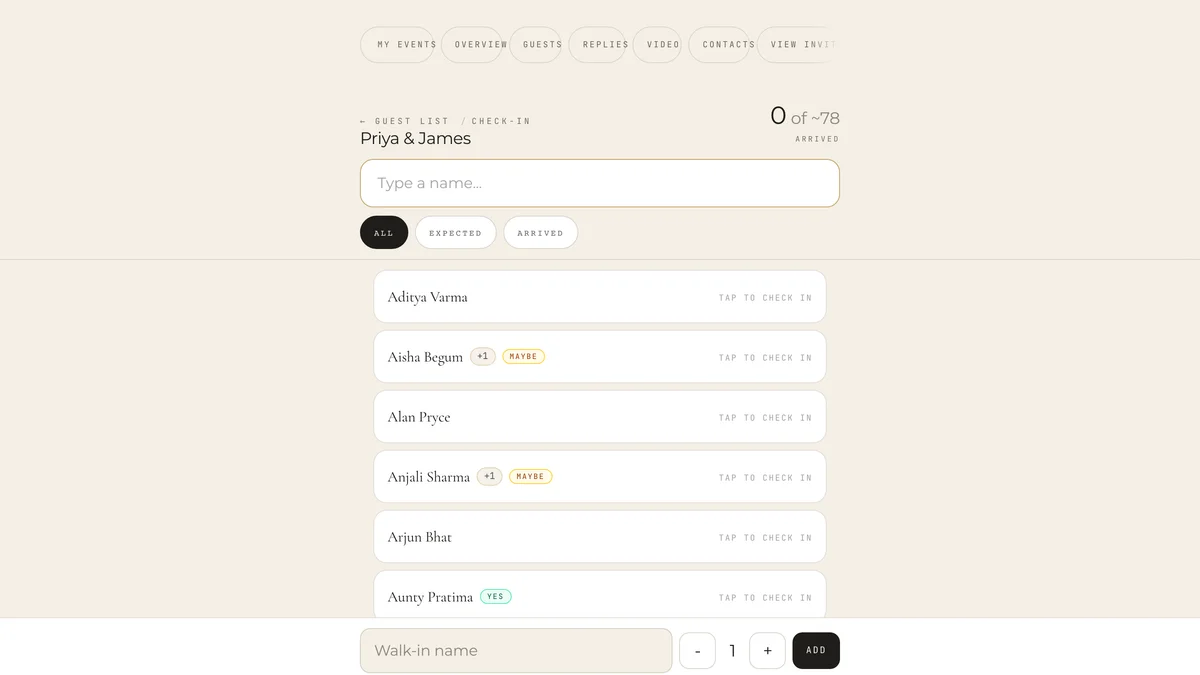
The RSVP host dashboard showing 4 stat cards (14 attending, 2 maybe, 2 declined, 32 expected guests) above a list of responses with names, badges, party sizes, and messages.
Step 04

RSVPs come back to you

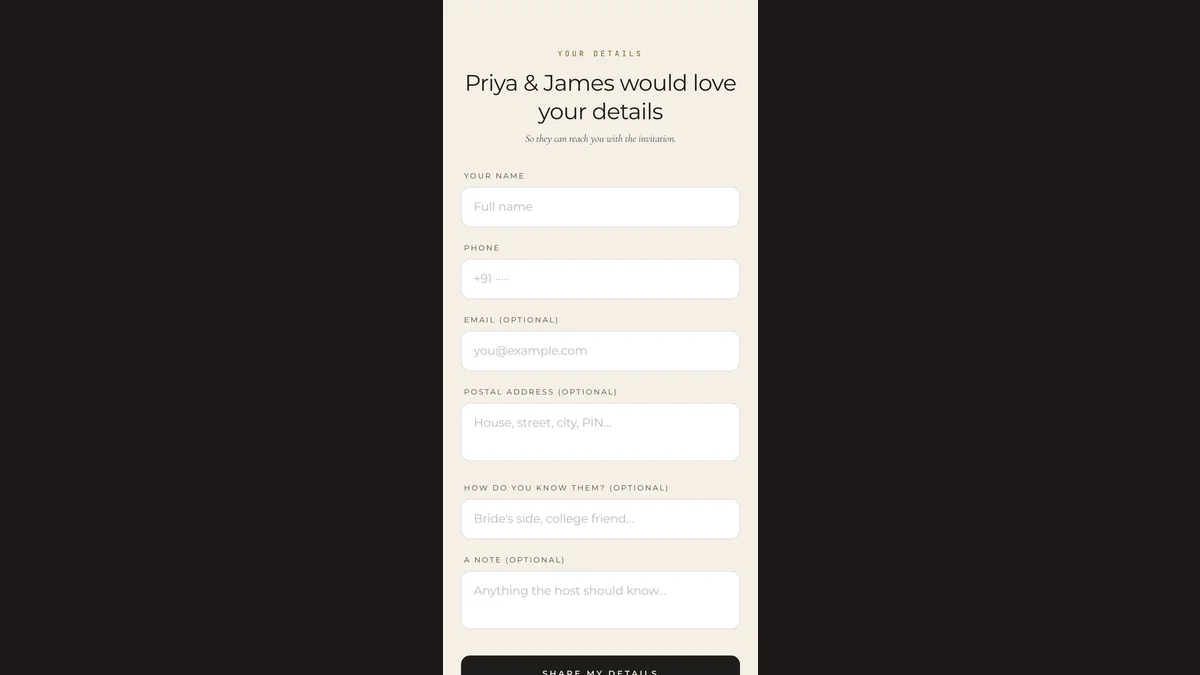
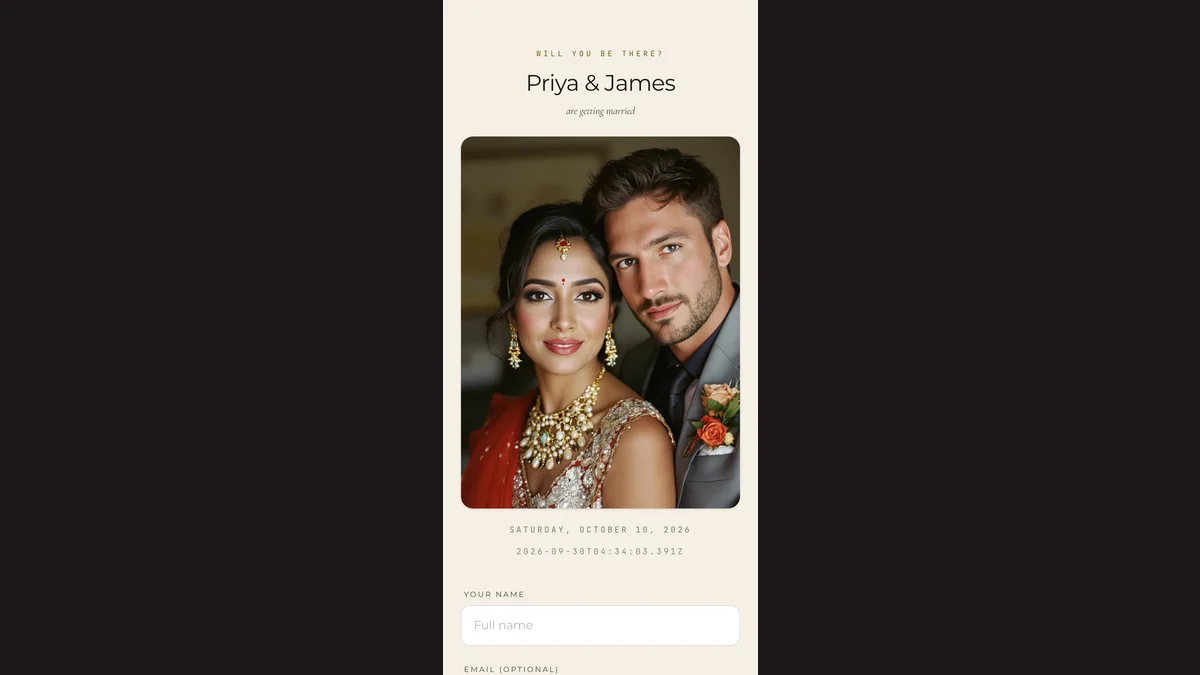
Guests reply through a built-in form. See attending, party sizes, and dietary notes in one dashboard.

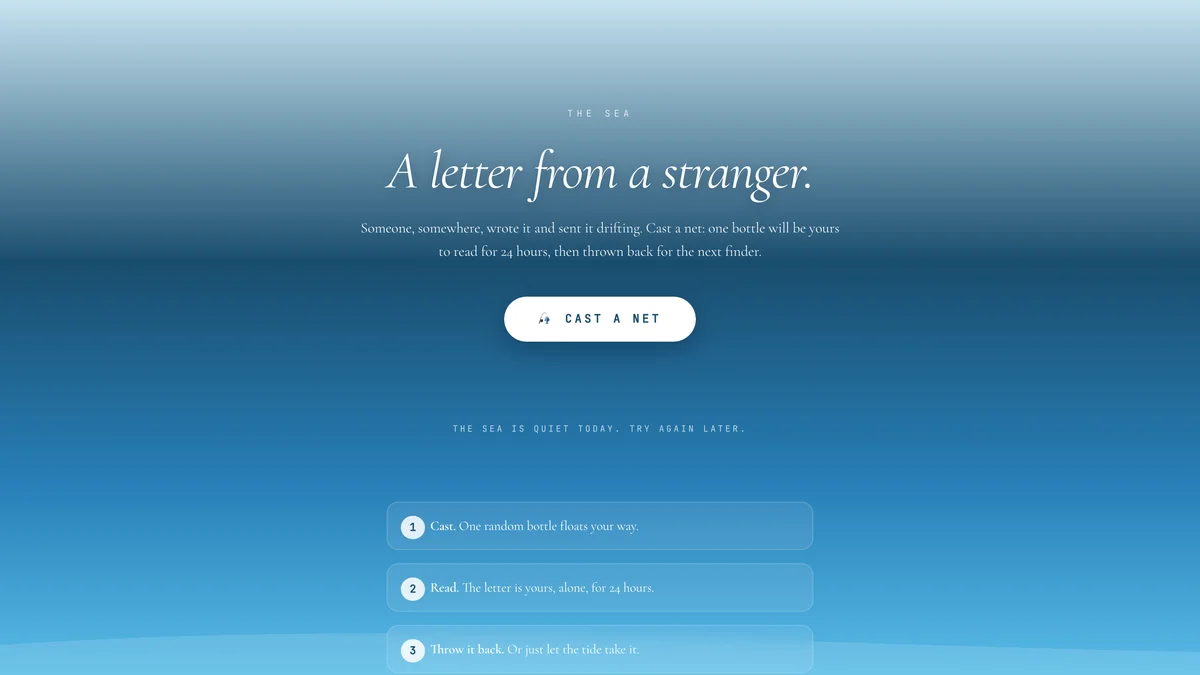
The editor Distribution panel expanded, showing the letter is both cast into the sea and posted to the wall, with recall and take-down buttons.
Step 05

Add extras (optional)

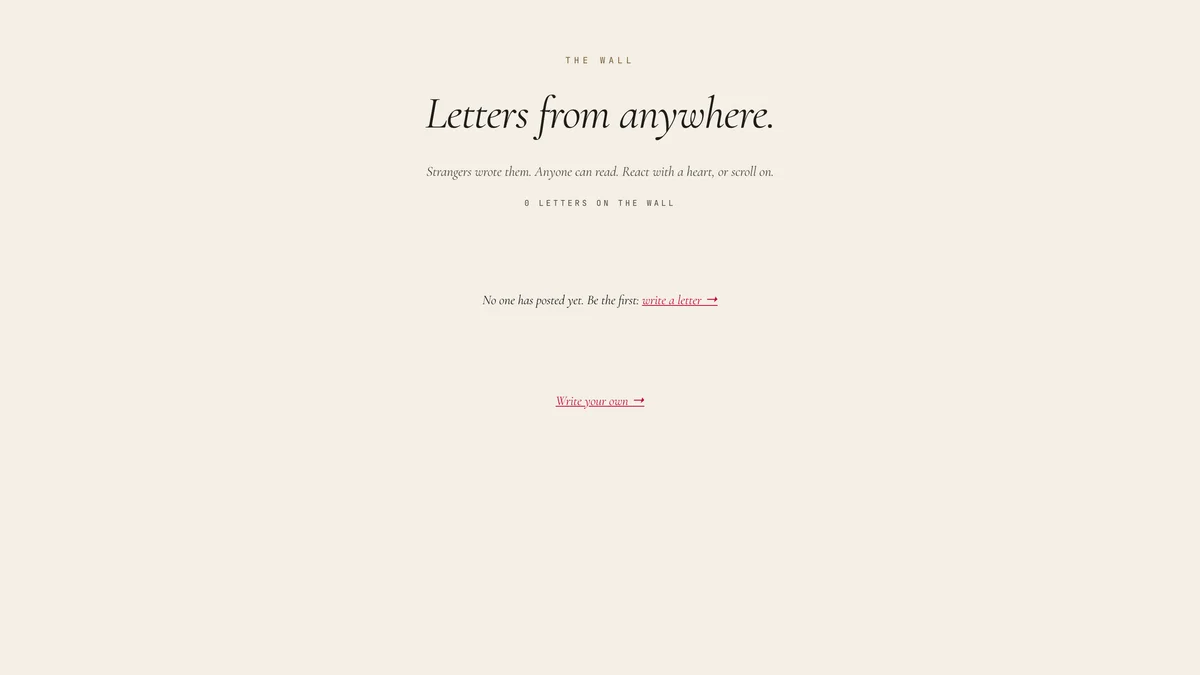
Drift Letters float notes on a virtual sea. The Wall collects guest messages. Toggle either on, anytime.

Ready to begin?

Start with a template you like. You can change everything later.

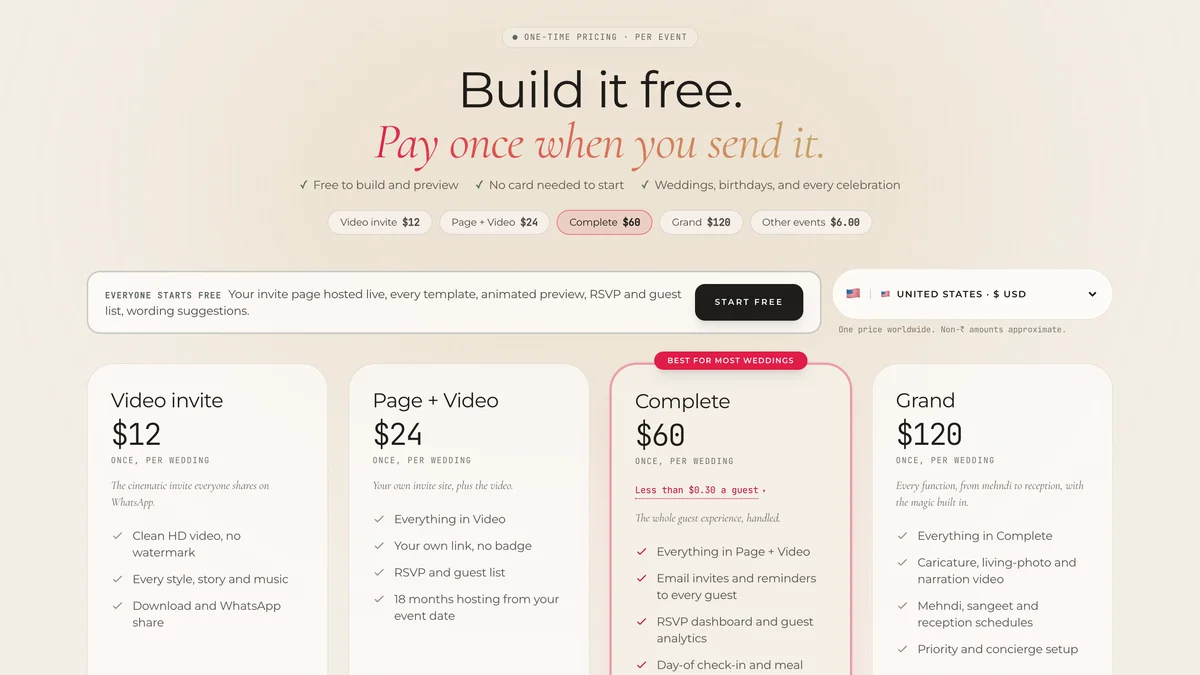
Free tier covers 3 invitations + all 5 event types.