One link. Every guest. Every time zone.
15 wedding templates. Pick the one that feels like yours, then recolour it, restyle it, and share one link. Built for families scattered across cities, time zones, and the WhatsApp groups your relatives already live in.
Real couples on the gallery
Why a wedding site here
Built for how families really live.
One link, every guest
Send the same link to your grandmother on WhatsApp, your college friend on Instagram, and your cousin who only opens email. Works on any phone, any browser, any network.
Family across time zones
Schedule times render in the venue's timezone with local-time hints alongside. Travel sections accept multiple airports, hotel blocks, and helper contacts for each city your family is flying from.
RSVP that just works
Guests fill the form from any phone. You get responses in your host dashboard plus a weekly digest so you can plan headcounts without chasing replies. Diet, +1, song requests — all optional, all in one place.
Edit after you share
Venue changed? New schedule? Update the editor and the live site reflects instantly. No reprints, no resending the link, no "the old version still shows up." Just one URL, always current.
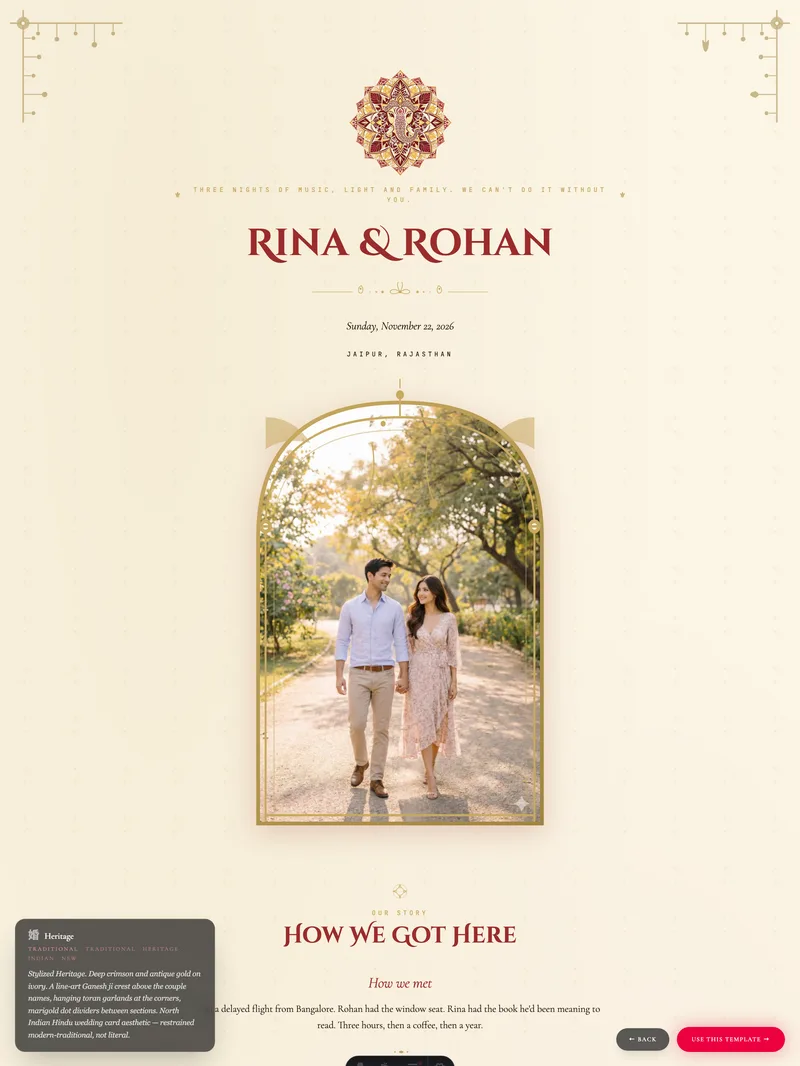
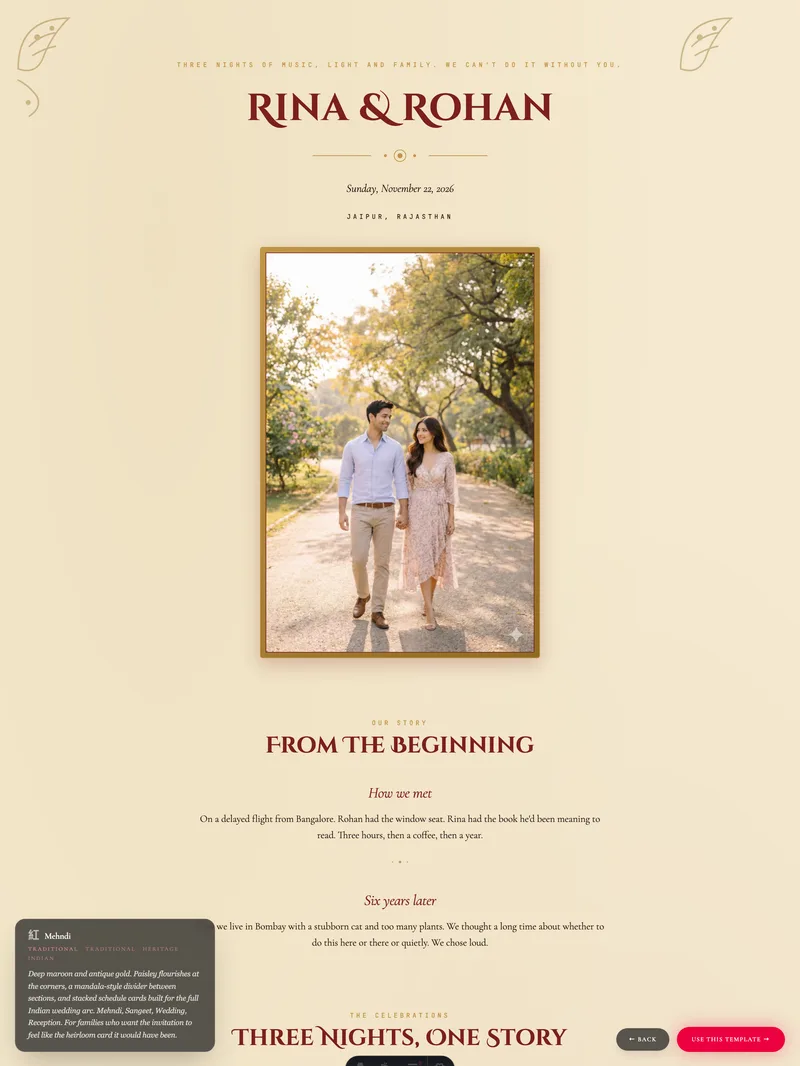
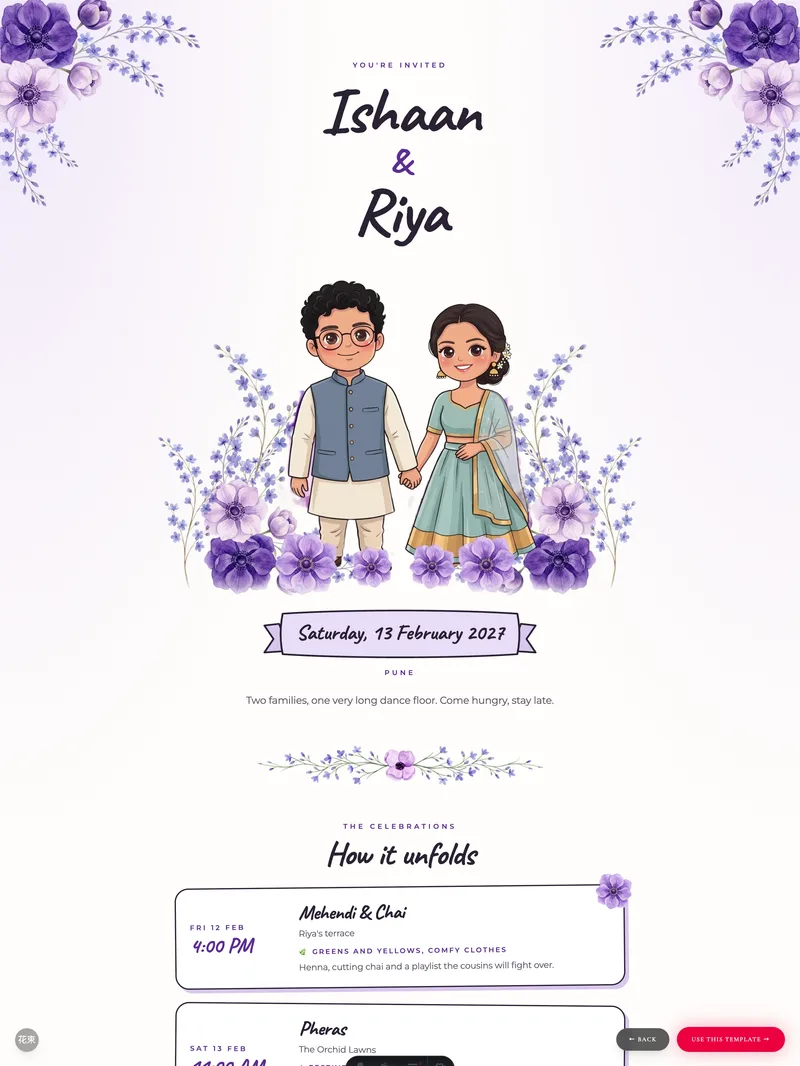
15 wedding templates, endless moods
Pick the one that feels like yours.
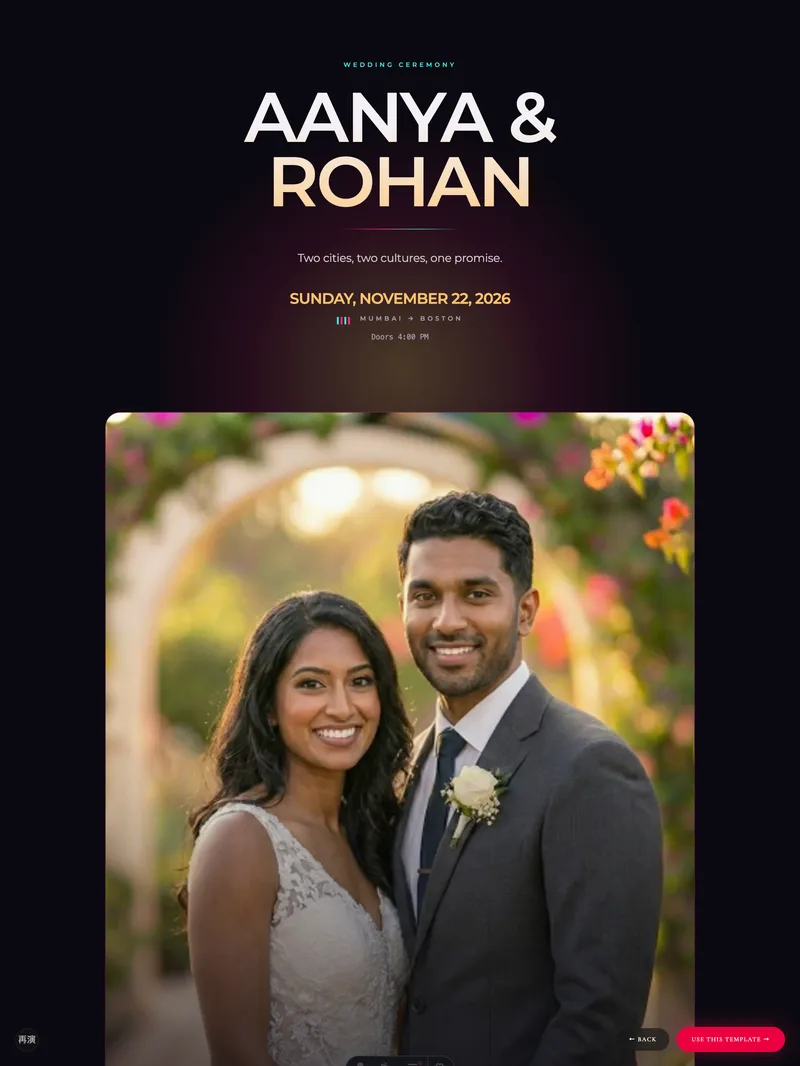
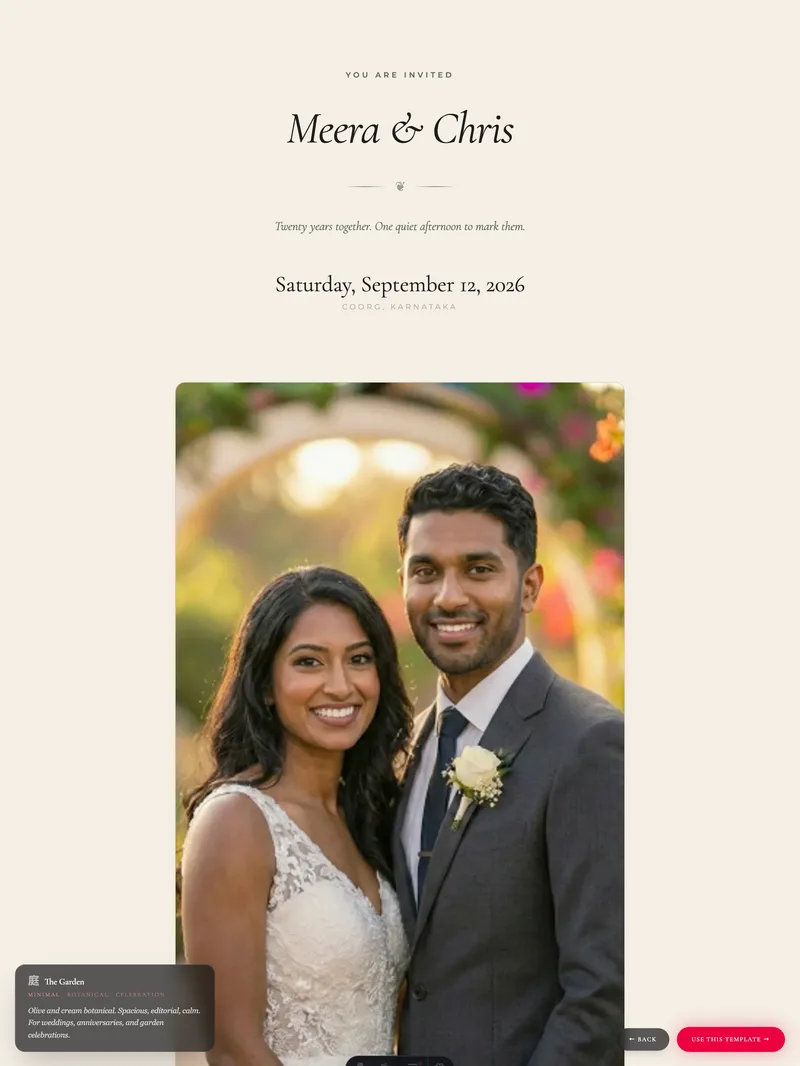
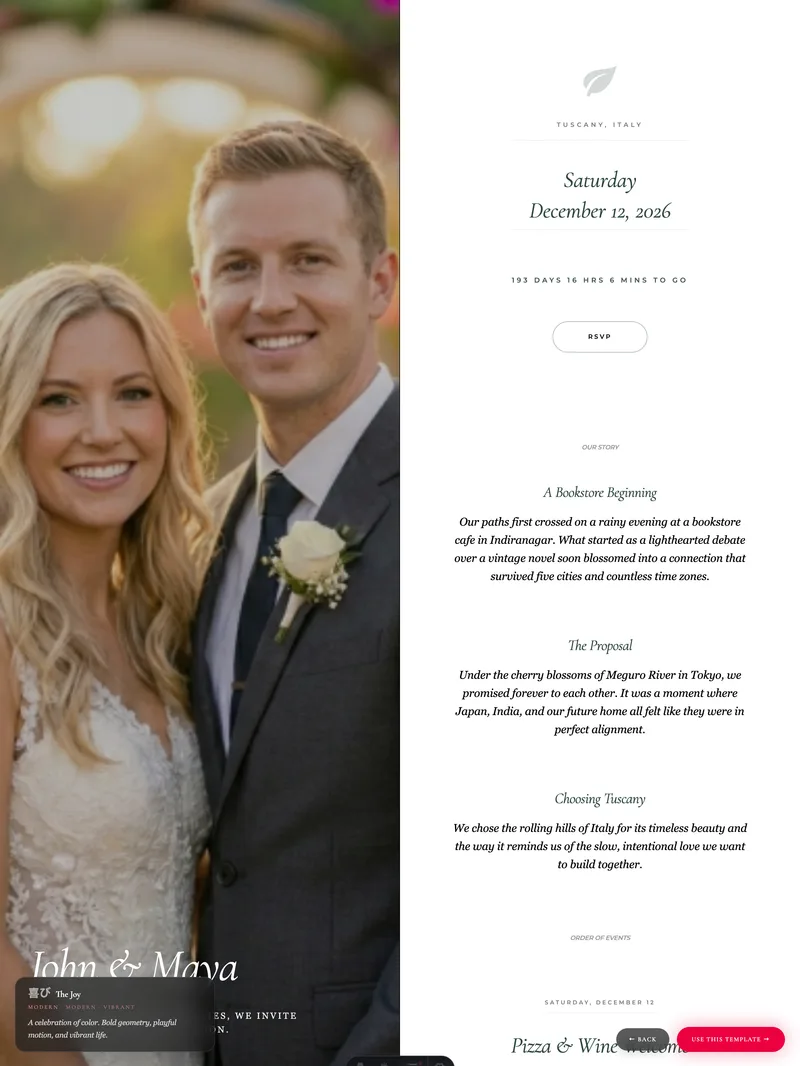
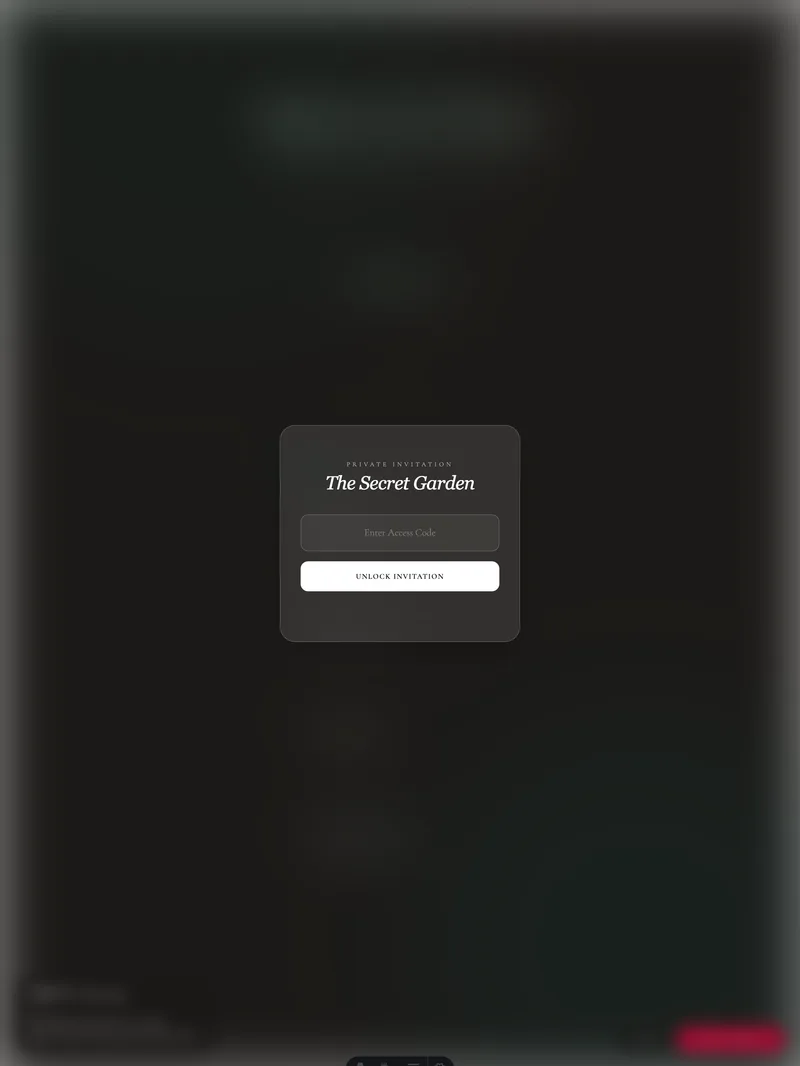
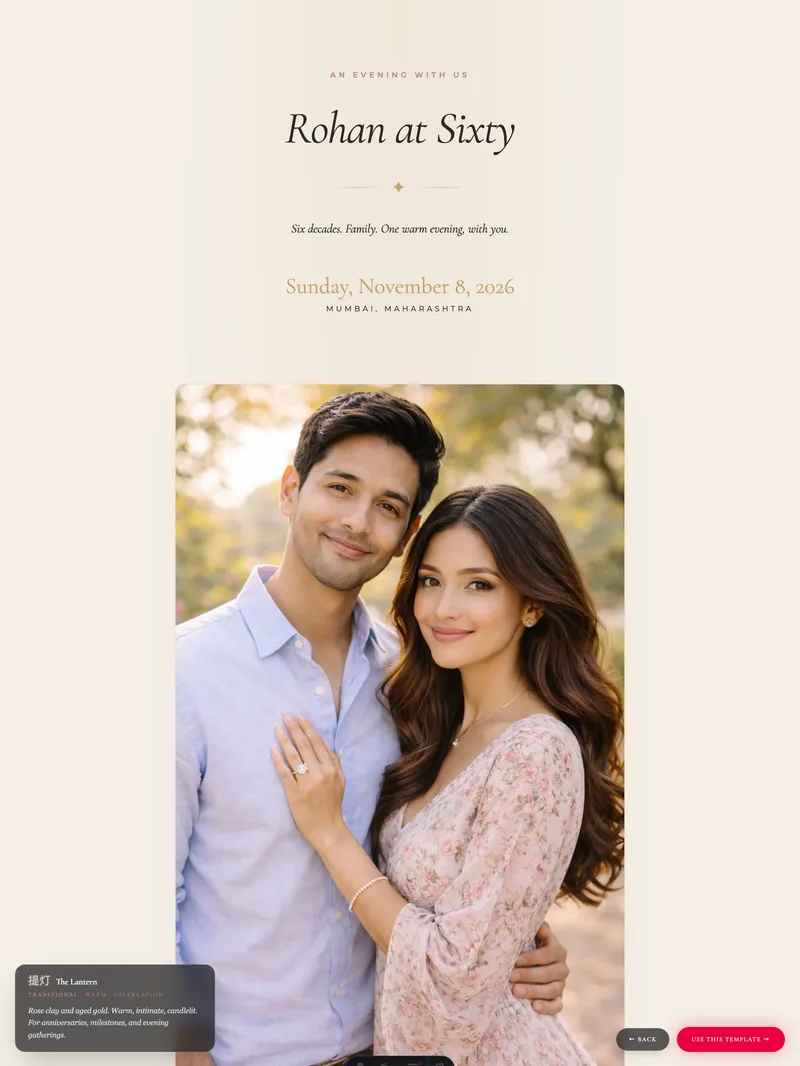
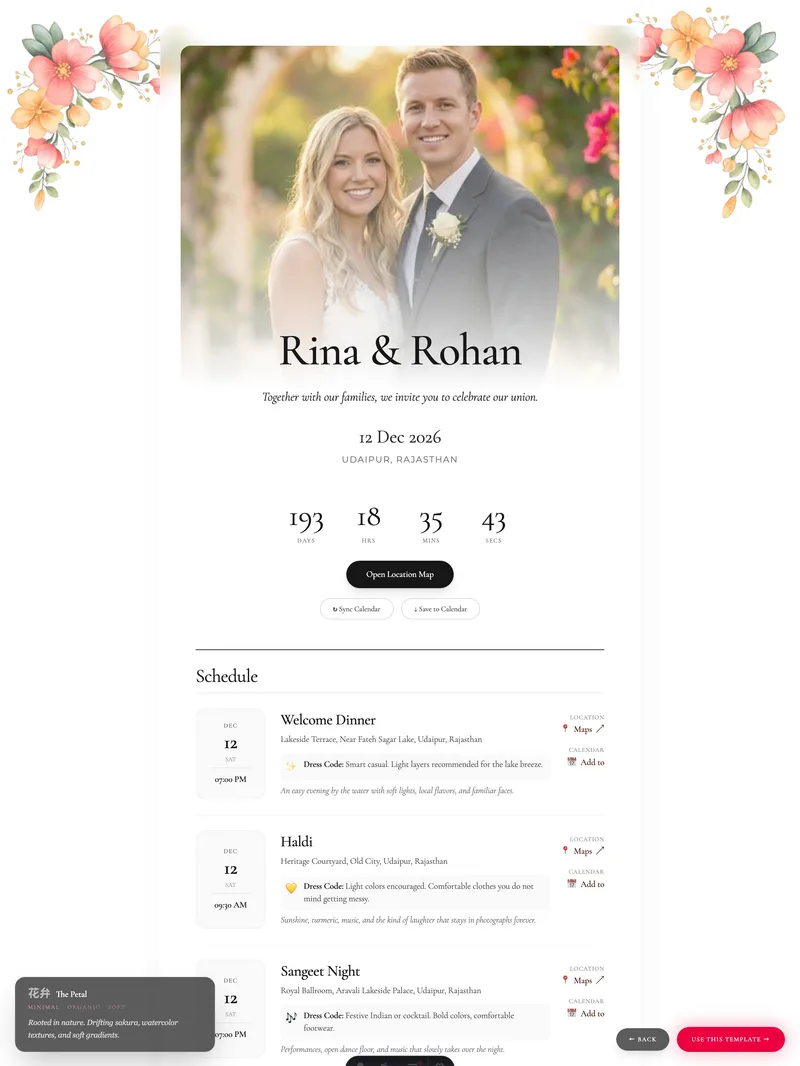
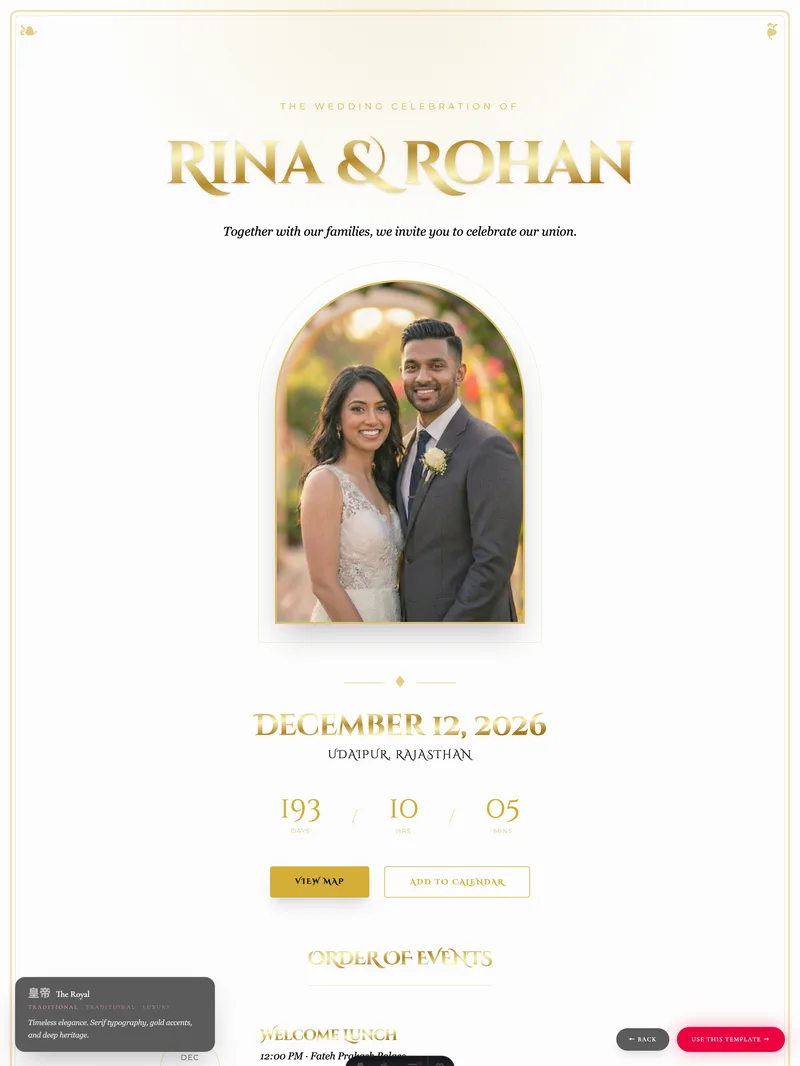
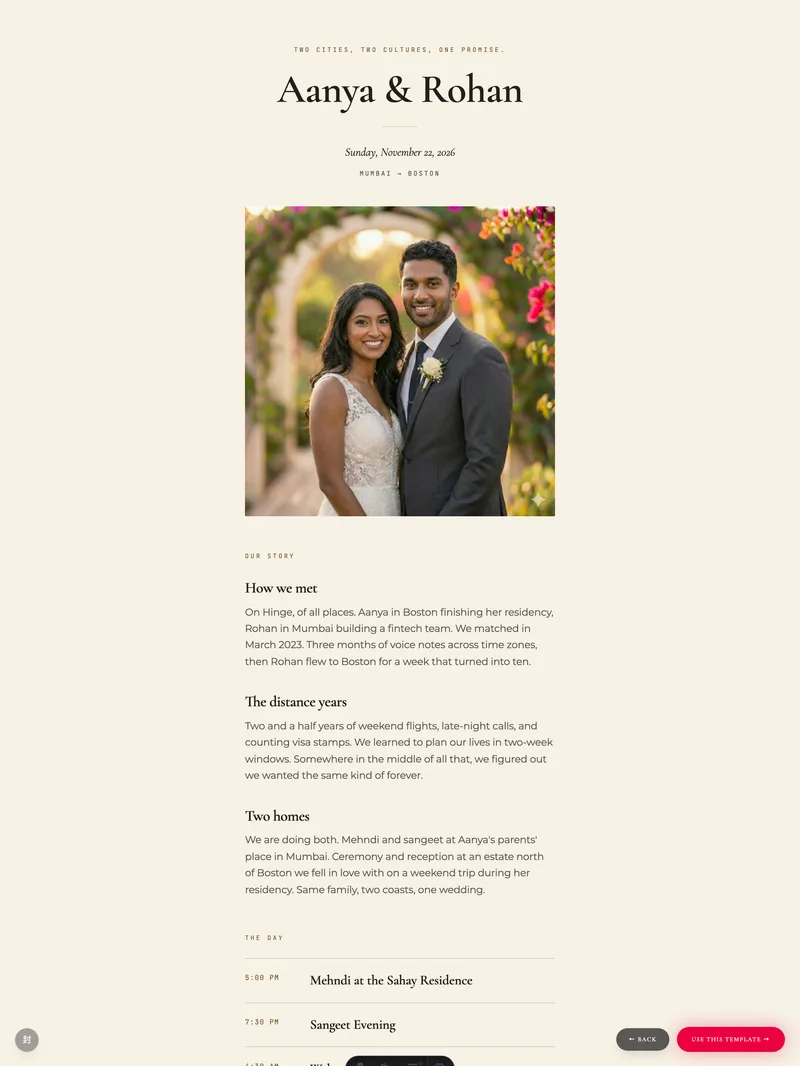
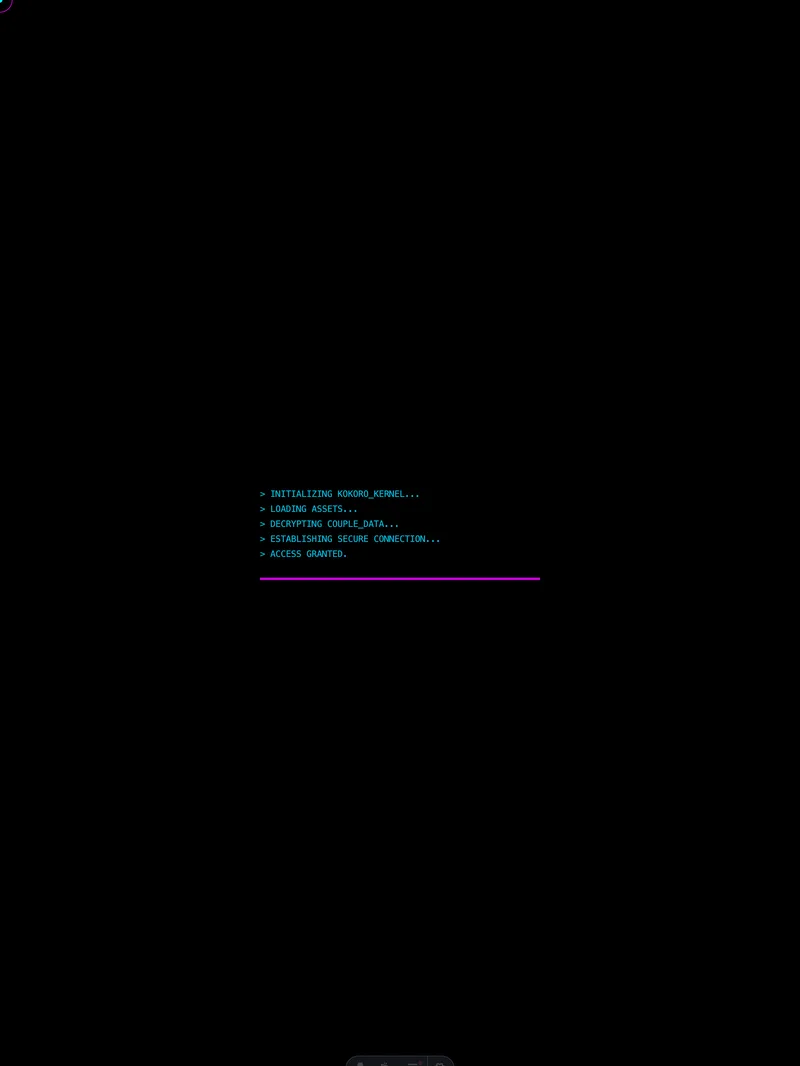
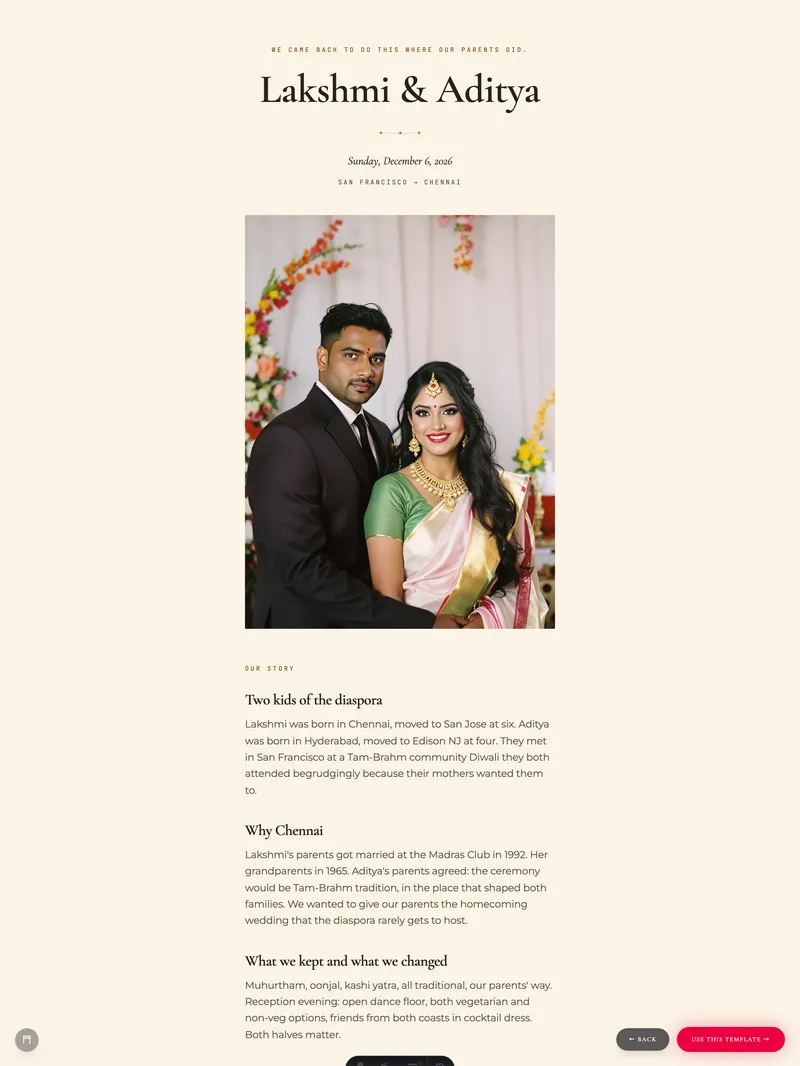
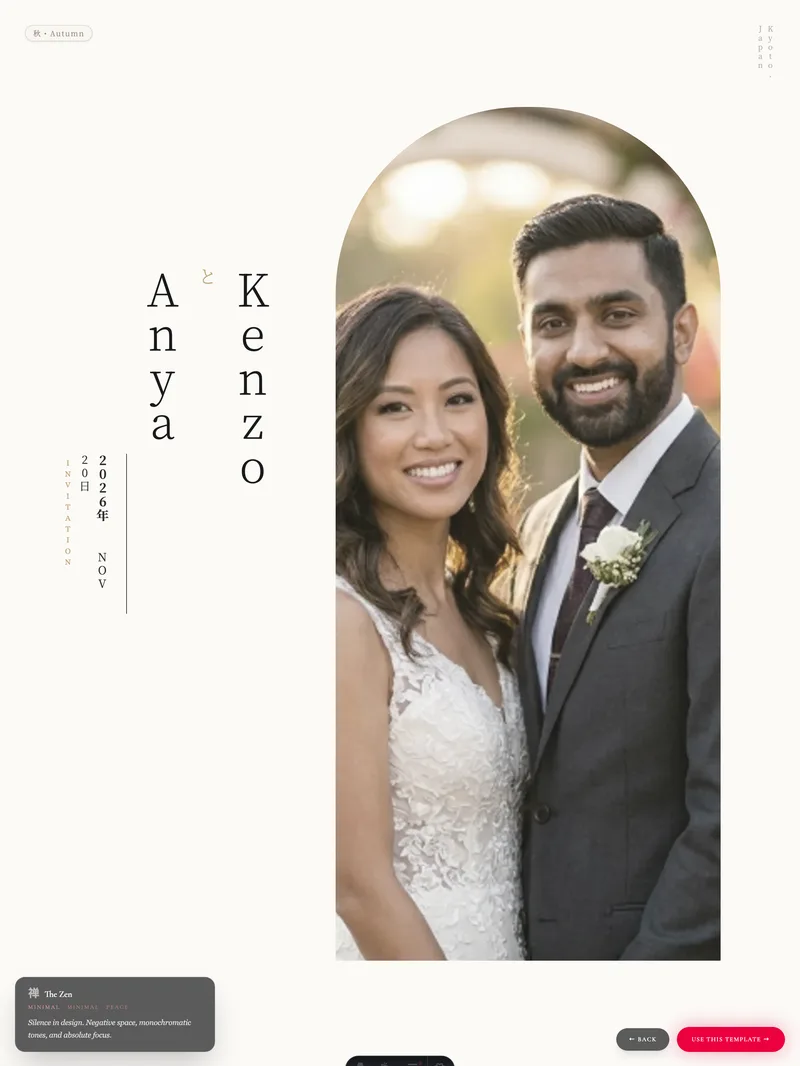
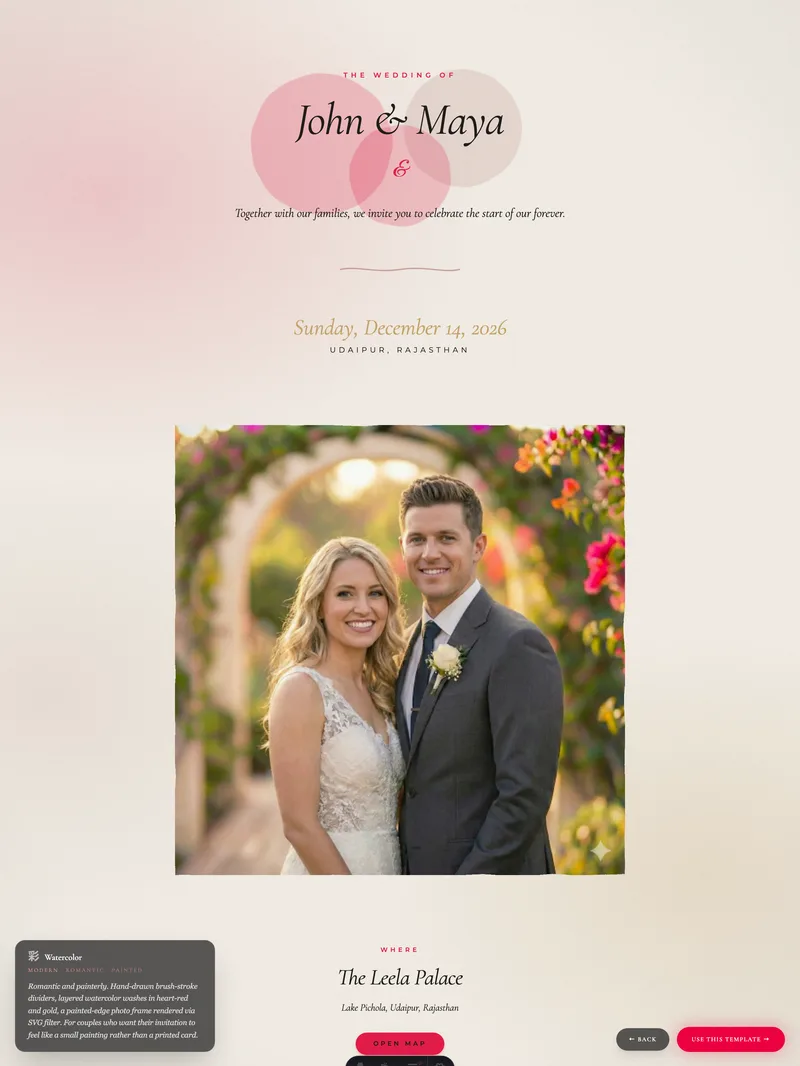
Real shapes of real weddings
Three weddings, three very different stories.
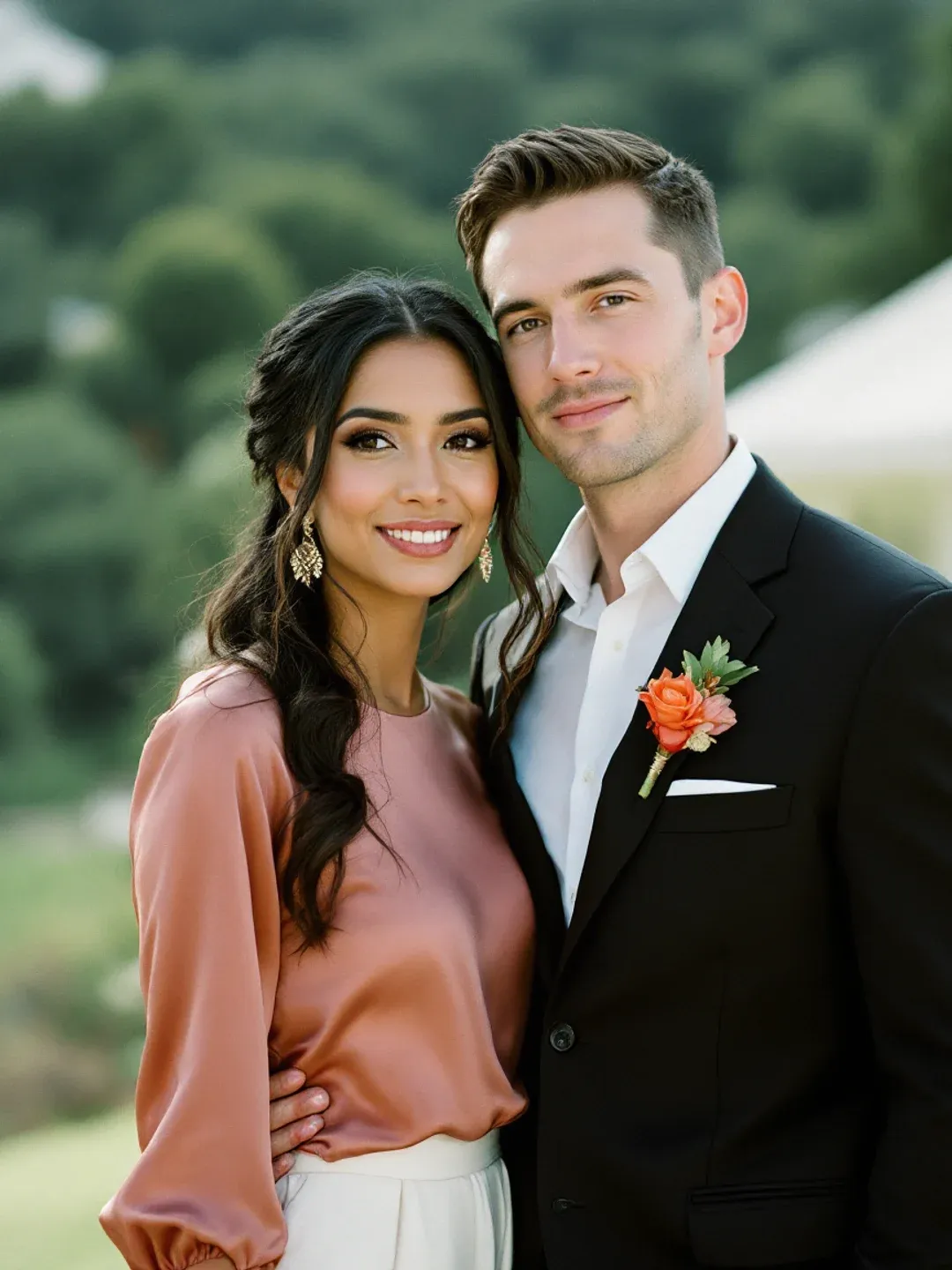
Maya & Chris
Indo-Caucasian destination wedding in Tuscany. Family scattered across Chicago, Vermont, Pune — three days, six time zones, one site.
See the live site →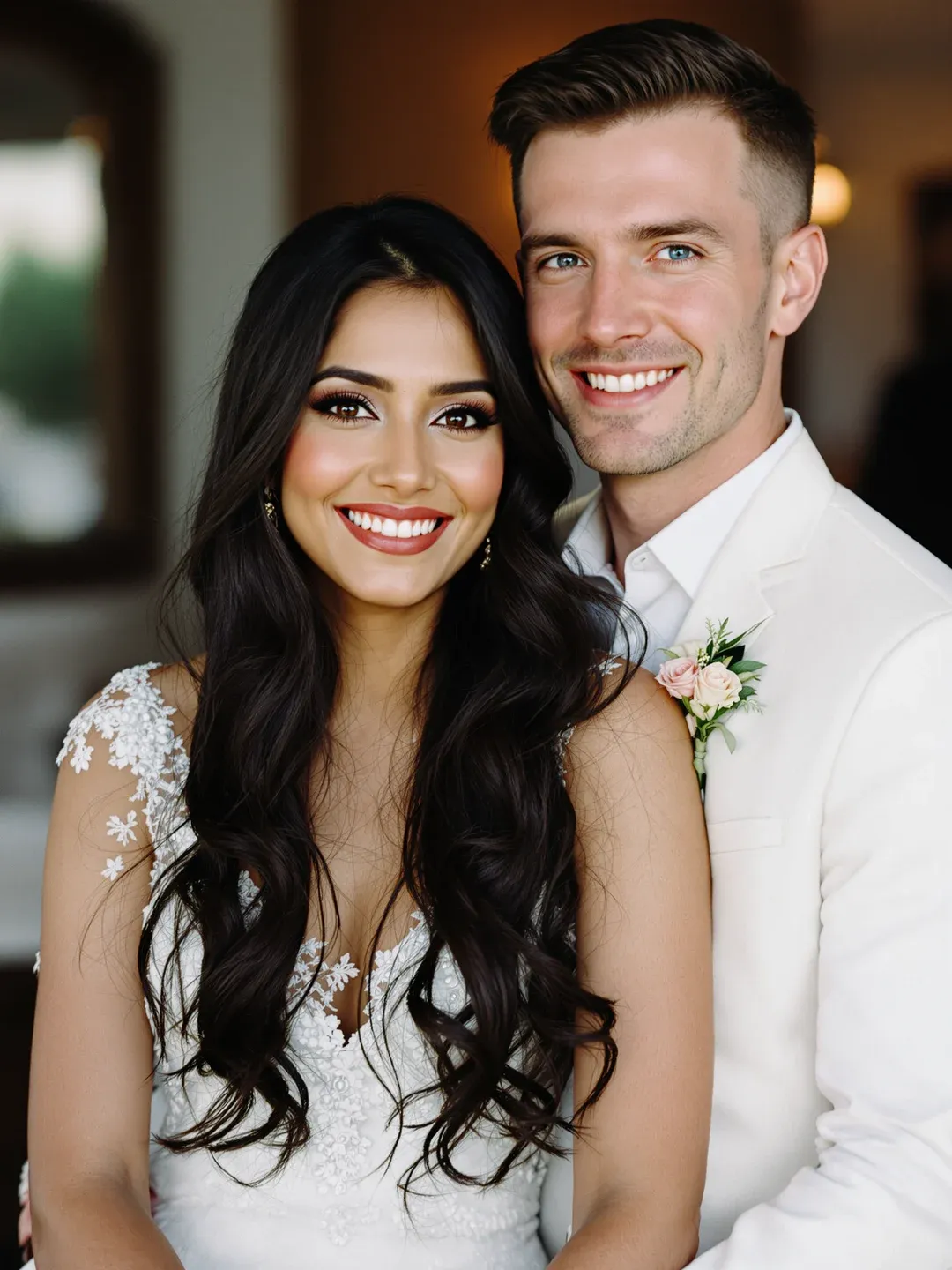
Saanvi & Liam
Indo-Anglo-Australian diaspora wedding in Sydney. Indian-side family flew in for a single warm evening — no second city, just one harbour and everyone who matters.
See the live site →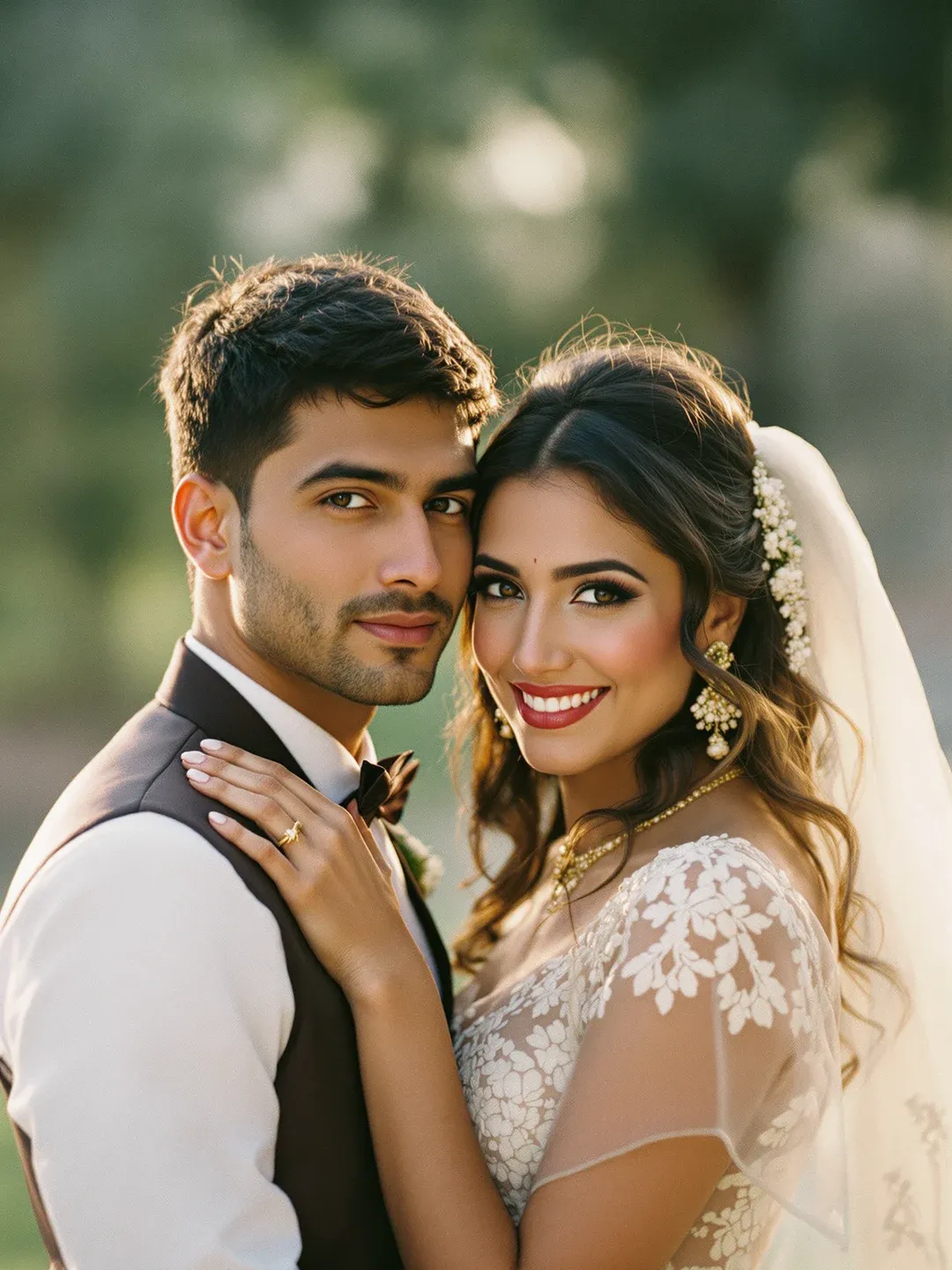
Riya & Arjun
Traditional Indian palace wedding in Udaipur. Three days, mehndi-to-reception, family across Delhi and New York converging on the lake palace.
See the live site →Three steps from start to shared
Quick to start. Yours to refine.
Pick a template
Browse 15 wedding templates. Each one has its own colour, typography, and motion. Pick the one that matches the wedding you actually want.
Make it yours
Names, dates, schedule, story, photos, RSVP. The editor walks you through it with AI assistance for the writing if you want it. Most couples are done in an hour.
Send the link
One URL — drop it in your family WhatsApp, post it to Instagram, share it however your guests already talk. Edit any time; the link always shows the latest.
Common questions
Before you start.
Is it free? +
Can I use a custom URL? +
How do guests RSVP? +
Will it work for guests in different countries? +
Can I edit after I send the link? +
Got a different question? Send us a note.
Your wedding, one link from done.
Browse the templates. Pick one. The first invitation is free.